Hand off new Tresorit uploads to the right teammate
Every hour, WebRun opens Tresorit, checks shared folders for new files, logs a reference note in Google Drive naming the file and where it lives, and texts the teammate responsible for that folder through Twilio.
- No credit card
- Under $0.01 per run
- Cancel anytime
What does WebRun do on every run?
The exact actions WebRun takes, in order - in plain language, so you can adjust anything.
-
WebRun signs in and gets to work
Opens
web.tresorit.comin a real browser with your saved login - no setup, no API keys. -
1
Tresorit - check shared folders for new files
tresorit.com

WebRun opens Tresorit to check shared folders for new files. - Open Tresorit and check shared folders for new files
- Note which folder, file name, and who uploaded it
- Skip files already archived from a previous run
Done when Every new file this run is captured with its folder and uploader.
-
2
Google Drive - archive a reference note
drive.google.com How to Automate Google Drive
WebRun opens Google Drive to archive a reference note. - Save a reference note in Drive naming the new file and its Tresorit folder
- Keep Tresorit as the source of record. This is a reference copy only
- File it under the matching client or project folder
Done when A reference note exists in Drive for every new file.
-
3
Twilio - text the responsible teammate
twilio.com How to Automate Twilio
WebRun opens Twilio to text the responsible teammate. - Text the teammate responsible for that folder
- Name the file and where it landed
- Keep it short: enough to know something needs review
Done when The responsible teammate has been texted about the new file.
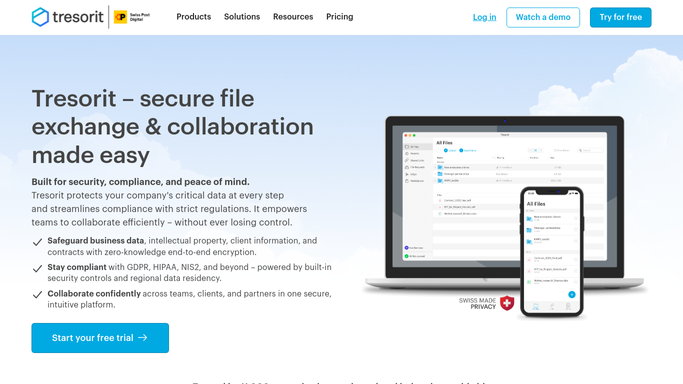


How do I get notified when a new file lands in a shared Tresorit folder?
WebRun checks Tresorit every hour for new files landing in shared folders, and logs a reference note in Google Drive naming the file and where it lives, since Tresorit stays the encrypted source of record. It texts the teammate responsible for that folder through Twilio, so a new file gets a same-hour human review.
- New files get a same-hour handoff to the right person
- Tresorit stays the single encrypted source of record
- No duplicate texts for a file already logged
Built for Legal and healthcare teams using Tresorit · compliance-focused businesses · teams handling sensitive client files
How is each run configured?
Secure by default
Connect once, stays signed in
WebRun signs in once and keeps each session in a persistent environment, so every run picks up right where it left off.
Every action is checked against this policy before it runs.
Questions, answered
Does it move or copy the file contents to Google Drive?
No. Tresorit stays the encrypted source of record. Google Drive only gets a reference note naming the file and where it lives.
Who receives the text?
Only the internal teammate responsible for that shared folder. External parties are never texted by this automation.
What happens if the same file appears twice?
It is skipped if already logged from a previous run, so nobody gets texted twice about the same upload.
Related templates
Put this on autopilot.
Turn it on in minutes - or have our team set it up for you.