Turn every finished Tella recording into a tracked task
Every few minutes, WebRun checks Tella for recordings that finished processing, logs the title, share link, and duration to an Airtable content library, and creates a Notion task so each recording gets reviewed and edited before it's shared outside the team.
- No credit card
- Under $0.01 per run
- Cancel anytime
What does WebRun do on every run?
The exact actions WebRun takes, in order - in plain language, so you can adjust anything.
-
WebRun signs in and gets to work
Opens
tella.tvin a real browser with your saved login - no setup, no API keys. -
1
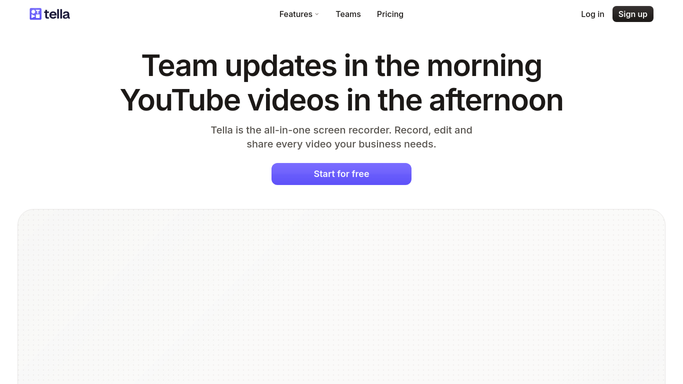
Tella - check finished recordings
tella.tv

WebRun opens Tella to check finished recordings. - Open Tella and list recordings that finished processing
- Capture each one's title, share link, and duration
- Skip recordings already logged from an earlier check
Done when Every newly finished recording has its details captured.
-
2
Airtable - log the recording to the content library
airtable.com How to Automate Airtable
WebRun opens Airtable to log the recording to the content library. - Add a row to the content library for each new recording
- Include the title, share link, duration, and recorded date
- Mark its status as Needs Review
Done when Every new recording has a row in the Airtable content library.
-
3
Notion - create an editing task
notion.so How to Automate Notion
WebRun opens Notion to create an editing task. - Create a task for reviewing and editing the new recording
- Link the task to its Airtable row and Tella share link
- Assign it to the content team's editing board
Done when Every new recording has an editing task on the Notion board.


How do I keep track of every finished Tella recording automatically?
WebRun checks Tella every few minutes for recordings that finished processing, capturing each one's title, share link, and duration. It logs the recording as a row in an Airtable content library and creates a matching Notion task, so async video demos and tutorials always get reviewed and edited instead of sitting unfiled in Tella.
- Every finished recording is logged within minutes, not discovered days later
- The content library in Airtable stays current without manual entry
- Nothing gets shared externally without an editing task first
Built for product teams · customer success teams · content creators · remote-first teams
How is each run configured?
Secure by default
Connect once, stays signed in
WebRun signs in once and keeps each session in a persistent environment, so every run picks up right where it left off.
Every action is checked against this policy before it runs.
Questions, answered
Does it share or publish the recording anywhere?
No. WebRun only logs the recording and creates a review task. Sharing the link outside the team stays a decision your team makes.
What if the same recording is checked twice?
It's only logged once. WebRun skips any recording that already has a row in the Airtable content library.
Can it tell which recordings still need editing?
Yes. Every new recording starts with a Needs Review status in Airtable and an open task in Notion until someone marks it done.
Related templates
Put this on autopilot.
Turn it on in minutes - or have our team set it up for you.