Get alerted when Taiga issues get blocked
Every morning, WebRun opens Taiga, checks user stories and issues marked blocked in the current sprint, logs each one in Google Sheets with days blocked, and emails the scrum master anything stuck more than 2 days.
- No credit card
- Under $0.01 per run
- Cancel anytime
What does WebRun do on every run?
The exact actions WebRun takes, in order - in plain language, so you can adjust anything.
-
WebRun signs in and gets to work
Opens
tree.taiga.ioin a real browser with your saved login - no setup, no API keys. -
1
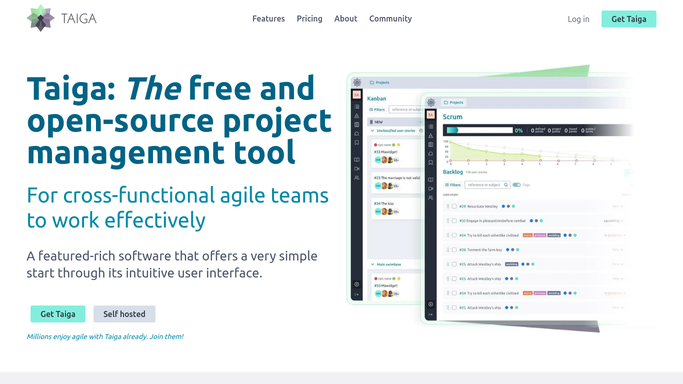
Taiga - find blocked user stories
taiga.io

WebRun opens Taiga to find blocked user stories. - Open Taiga and check user stories and issues marked blocked in the current sprint
- Note the assignee, sprint, and how long it's been blocked
- Flag anything blocked more than 2 days
Done when Every blocked story or issue is listed with how long it's been stuck.
-
2
Google Sheets - log each blocked item
google.com How to Automate Google Sheets
WebRun opens Google Sheets to log each blocked item. - Add a row per blocked item with assignee and days blocked
- Update rows for items unblocked since last check
- Keep a running history across sprints
Done when Every blocked item is logged in the Sheets tracker.
-
3
Gmail - email the scrum master
gmail.com How to Automate Gmail
WebRun opens Gmail to email the scrum master. - Email the scrum master anything blocked more than 2 days
- List the item, assignee, and what it's waiting on
- Skip the email if nothing is blocked that long
Done when The scrum master has today's blocked-item alert by email.


How do I get alerted when a Taiga story gets blocked?
WebRun checks Taiga every morning for user stories and issues marked blocked in the current sprint, logs each one in Google Sheets with days blocked, and emails the scrum master anything stuck more than 2 days. Sprint-threatening blocks get surfaced early, instead of only showing up at the retro.
- Sprint-threatening blocks surface within 2 days, not at the retro
- Every blocked item stays logged for a running history
- Short-lived blocks that resolve themselves generate no noise
Built for scrum masters · agile teams · open source teams · software engineering managers
How is each run configured?
Secure by default
Connect once, stays signed in
WebRun signs in once and keeps each session in a persistent environment, so every run picks up right where it left off.
Every action is checked against this policy before it runs.
Questions, answered
Will it unblock or reassign an issue?
No. WebRun only reads which items are marked blocked. It never edits, unblocks, or reassigns a story or issue.
Why 2 days as the threshold?
Short blocks usually resolve on their own. The email is reserved for blocks that have lingered long enough to threaten the sprint.
Does it track blocked items across every sprint, or just the current one?
It focuses on the current sprint's blocked items, since those are the ones actively at risk of missing the sprint goal.
Related templates
Put this on autopilot.
Turn it on in minutes - or have our team set it up for you.