Never miss a Synology C2 storage plan renewal
Every morning, WebRun opens Synology C2, checks the plan renewal date and current storage usage, logs it as a row in Google Sheets, and emails you a reminder through Gmail once renewal is within 5 days.
- No credit card
- Under $0.01 per run
- Cancel anytime
What does WebRun do on every run?
The exact actions WebRun takes, in order - in plain language, so you can adjust anything.
-
WebRun signs in and gets to work
Opens
c2.synology.comin a real browser with your saved login - no setup, no API keys. -
1
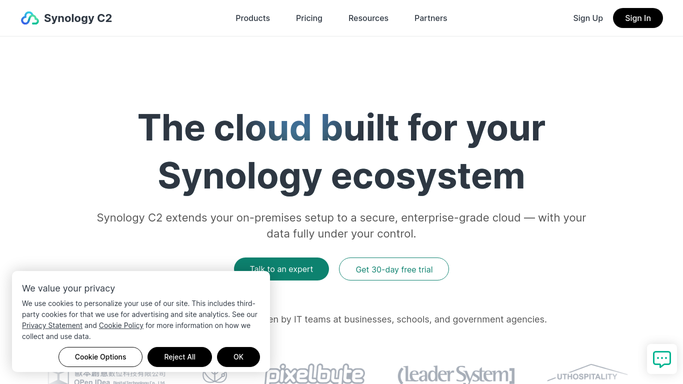
Synology C2 - check renewal date and usage
c2.synology.com

WebRun opens Synology C2 to check renewal date and usage. - Open account settings and check the plan renewal date
- Note current storage usage against the plan limit
- Confirm the price that will be charged at renewal
Done when The renewal date and usage are confirmed.
-
2
Google Sheets - log the status
google.com How to Automate Google Sheets
WebRun opens Google Sheets to log the status. - Add a row with today's renewal date, usage, and price
- Keep prior checks in the sheet for a running history
- Flag the row if renewal is within 5 days
Done when Today's status has been logged to Google Sheets.
-
3
Gmail - email the reminder
gmail.com How to Automate Gmail
WebRun opens Gmail to email the reminder. - Draft a reminder once renewal is within 5 days
- Include the renewal date, price, and current usage
- Send it to your own inbox
Done when A reminder has been sent if renewal is inside 5 days.


How do I get reminded before my Synology C2 plan renews?
WebRun checks your Synology C2 account every morning for the plan renewal date, storage usage, and price, logging each check as a row in Google Sheets. Once renewal is within 5 days, it emails you a reminder through Gmail, so a backup storage plan never lapses without you seeing it coming.
- Renewal dates tracked daily without checking C2 yourself
- A running usage and renewal history in one sheet
- Reminder emails only when the date is genuinely close
Built for IT admins · small business owners · home lab users · Synology NAS owners
How is each run configured?
Secure by default
Connect once, stays signed in
WebRun signs in once and keeps each session in a persistent environment, so every run picks up right where it left off.
Every action is checked against this policy before it runs.
Questions, answered
Will it renew the plan or charge my card?
No. WebRun only reads the renewal date and reminds you. Renewing or changing your plan happens directly in Synology C2.
Why log it to a sheet as well as email me?
The sheet keeps a running history of usage and renewal checks, while the email is reserved for when the date is genuinely close.
What if I already renewed?
It reads the live renewal date each morning, so once you renew, the reminder emails stop on their own.
Related templates
Put this on autopilot.
Turn it on in minutes - or have our team set it up for you.