Get every new Swipe Pages lead to a rep within minutes
Each time a form is submitted on a Swipe Pages landing page, WebRun captures the lead's details, logs a Trello card for the assigned rep, and drafts a WhatsApp follow-up message ready for that rep to review and send.
- No credit card
- Under $0.01 per run
- Cancel anytime
How do I get new Swipe Pages leads to a sales rep quickly?
WebRun watches for new Swipe Pages form submissions, logs each lead as a Trello card for the assigned rep, and drafts a WhatsApp follow-up referencing the page they submitted on. New leads get worked within minutes of submitting, and every follow-up message still goes out through a person, never sent automatically.
- New leads get a worked follow-up within minutes of submitting
- Reps work from an assigned Trello card instead of a shared inbox
- Every outbound follow-up is drafted and ready, but only a person sends it
Built for performance marketers · sales teams · agencies · small business owners
What does WebRun do on every run?
The exact actions WebRun takes, in order - in plain language, so you can adjust anything.
-
WebRun signs in and gets to work
Opens
app.swipepages.comin a real browser with your saved login - no setup, no API keys. -
1
Swipe Pages - capture the new form submission
swipepages.com
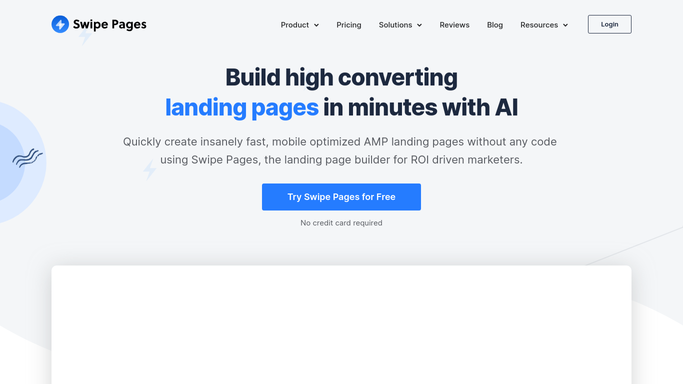
WebRun opens Swipe Pages to capture the new form submission. - Watch for a new form submission on a live landing page
- Capture the lead's name, contact details, and which page or offer they came from
- Note the funnel or campaign the page belongs to
Done when The new submission's details have been captured.
-
2
Trello - log the lead as a card
trello.com How to Automate Trello

WebRun opens Trello to log the lead as a card. - Create a card for the lead in the New Leads list
- Include the contact details and the page or offer they submitted on
- Assign the card to the rep on rotation
Done when Every new submission has a matching Trello card assigned to a rep.
-
3
WhatsApp - draft the follow-up message
whatsapp.com How to Automate WhatsApp

WebRun opens WhatsApp to draft the follow-up message. - Draft a short, on-brand follow-up message referencing the page or offer they submitted on
- Leave the message unsent for the assigned rep to review
- Never message the lead automatically. A person sends it
Done when A follow-up draft is ready for the rep the moment the card is assigned.
How is each run configured?
Secure by default
Connect once, stays signed in
WebRun signs in once and keeps each session in a persistent environment, so every run picks up right where it left off.
Every action is checked against this policy before it runs.
Questions, answered
Will it message the new lead directly?
No. WebRun only drafts a WhatsApp follow-up. The assigned rep reviews and sends it themselves, WebRun never messages a lead on its own.
How fast does a new lead get a card?
Within minutes of the form being submitted. The card and the drafted follow-up are ready before the lead has time to go cold.
How is the lead assigned to a rep?
By whatever assignment or rotation rule your team already uses. WebRun follows that rule rather than picking a rep on its own.
Related templates
Put this on autopilot.
Turn it on in minutes - or have our team set it up for you.