Hand off new API spec versions for review
Every morning, WebRun opens SwaggerHub, finds API definitions with a new or updated version since the last check, adds a review slot to Google Calendar for the API team, and messages the assigned reviewer on WhatsApp with a link to the diff.
- No credit card
- Under $0.01 per run
- Cancel anytime
What does WebRun do on every run?
The exact actions WebRun takes, in order - in plain language, so you can adjust anything.
-
WebRun signs in and gets to work
Opens
app.swaggerhub.com/loginin a real browser with your saved login - no setup, no API keys. -
1
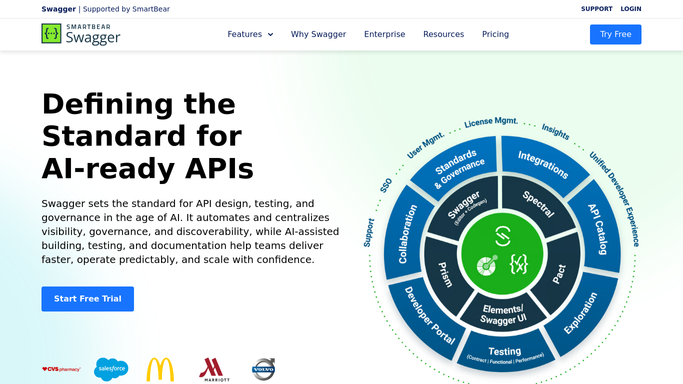
SwaggerHub - find new spec versions
swaggerhub.com

WebRun opens SwaggerHub to find new spec versions. - Open SwaggerHub and list API definitions with a new or updated version since yesterday
- Note the API name, version number, and owning team for each
- Check whether the version is still marked unpublished or in review
Done when Every new or updated API version is listed with its owner and review status.
-
2
WhatsApp - schedule the review slot
whatsapp.com How to Automate WhatsApp
WebRun opens WhatsApp to message the reviewer. - Message the assigned reviewer on WhatsApp
- Include the API name, version, and the scheduled review time
- Ask them to confirm or reschedule if the slot does not work
Done when The assigned reviewer has been messaged with the API version and review time.
-
3
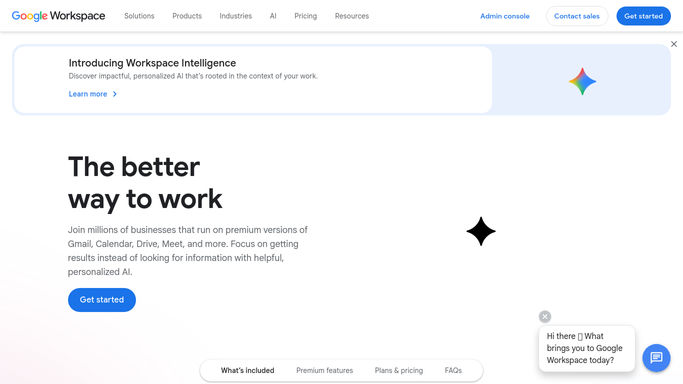
Google Calendar - message the reviewer
calendar.google.com How to Automate Google Calendar
WebRun opens Google Calendar to schedule the review slot. - Open the API team's Google Calendar
- Add a 30 minute review slot for each new API version within the next two business days
- Include the SwaggerHub link to the version in the event notes
Done when A review slot is on the calendar for every new API version.

How do I make sure every new SwaggerHub API version gets reviewed?
WebRun checks SwaggerHub every morning for API definitions with a new or updated version, adds a review slot to the team's Google Calendar within two business days, and messages the assigned reviewer on WhatsApp with the version and time. The result is that no API spec change ships without a scheduled human review.
- Every new API version gets a review slot within two business days
- Reviewers are notified directly instead of relying on someone remembering to ask
- Nothing ships without a documented, scheduled review
Built for API platform teams · backend engineering leads · API governance owners · integration teams
How is each run configured?
Secure by default
Connect once, stays signed in
WebRun signs in once and keeps each session in a persistent environment, so every run picks up right where it left off.
Every action is checked against this policy before it runs.
Questions, answered
Does WebRun approve or publish the API spec itself?
No. It only schedules the review and notifies the reviewer. Approving or publishing a new API version in SwaggerHub is always a human decision.
How does it know who should review a spec?
It uses the owning team recorded against each API definition in SwaggerHub to pick the reviewer to message.
What if a version is still a work in progress?
Only definitions that changed since the last check are picked up, so a version still being edited will keep surfacing until its owner marks it ready.
Related templates
Put this on autopilot.
Turn it on in minutes - or have our team set it up for you.