Run the pre-show checks before every broadcast
On the morning of every scheduled broadcast, WebRun opens StreamYard, checks that the stream has its destinations connected, a title and description set, and guest invite links sent, records each check in Airtable, and sends the host a Telegram checklist naming anything still missing.
- No credit card
- Under $0.01 per run
- Cancel anytime
How do I make sure a StreamYard broadcast is set up before going live?
WebRun opens StreamYard on the morning of each scheduled broadcast and checks the destinations, title, description, thumbnail, guest invites, and recording setting. It records every result in Airtable and sends the host a Telegram checklist naming what is still missing, so pre-show fixes happen hours before going live.
- Missing destinations are caught hours before going live
- Every episode has a recorded pre-show check in Airtable
- Hosts stop rechecking settings five minutes before air
Built for podcasters · live show producers · webinar hosts · creator teams
What does WebRun do on every run?
The exact actions WebRun takes, in order - in plain language, so you can adjust anything.
-
WebRun signs in and gets to work
Opens
streamyard.comin a real browser with your saved login - no setup, no API keys. -
1
StreamYard - check today's scheduled broadcast
streamyard.com
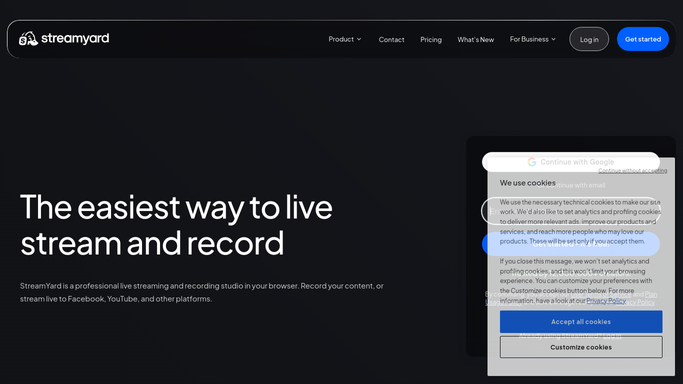
WebRun opens StreamYard to check today's scheduled broadcast. - Open StreamYard and find any broadcast scheduled for today
- Check that every intended destination is still connected and selected
- Check the broadcast title, description, and thumbnail are filled in
- Check the guest invite link exists and note who has not joined a rehearsal
- Confirm the recording setting matches how you plan to reuse the show
Done when Every pre-show item on today's broadcast has a pass or a gap.
-
2
Airtable - record the checklist results
airtable.com How to Automate Airtable

WebRun opens Airtable to record the checklist results. - Open your show planning base in Airtable
- Create or update the episode record for today
- Mark each check as pass or gap with a short note
- Keep the history so recurring gaps become obvious over a season
Done when Today's episode record in Airtable reflects every check.
-
3
Telegram - send the host what is missing
telegram.org How to Automate Telegram

WebRun opens Telegram to send the host what is missing. - Send the host and producer a Telegram checklist for today's show
- Lead with anything missing: a disconnected destination, a blank title, an unsent guest link
- Confirm in one line what is already ready so nobody rechecks it
- Skip the message entirely on days with no scheduled broadcast
Done when The host knows exactly what still needs fixing before going live.
How is each run configured?
Secure by default
Connect once, stays signed in
WebRun signs in once and keeps each session in a persistent environment, so every run picks up right where it left off.
Every action is checked against this policy before it runs.
Questions, answered
Will it start a broadcast or go live on its own?
No. WebRun only reads the settings on a scheduled broadcast. It never goes live, never publishes to a destination, and never changes a stream setting. Fixing a gap stays with the host.
Does it email or message my guests?
No. It checks whether guest invite links exist and reports what is missing to your own Telegram group. Any message to a guest is drafted and left for you to send.
What happens on days with no show?
Nothing is sent. WebRun checks the schedule, finds no broadcast for today, and stays quiet, so the Telegram checklist only appears on show days.
Related templates
Put this on autopilot.
Turn it on in minutes - or have our team set it up for you.