Turn last night's broadcast comments into a reply list
Every morning, WebRun opens StreamYard, reads the comments that came in during your last broadcast across its destinations, separates the questions that never got an on-air answer, writes them into a Google Sheet, and posts your team the reply queue in Microsoft Teams.
- No credit card
- Under $0.01 per run
- Cancel anytime
How do I follow up on comments from my last live stream?
WebRun opens StreamYard every morning and reads the comments from your last broadcast across every destination it went out to. It separates the questions that never got an on-air answer, writes them into a Google Sheet, and posts the reply queue to Microsoft Teams, so viewers get replies instead of silence.
- Unanswered viewer questions surface the morning after every show
- Repeated questions get grouped so one reply clears several
- Every question carries the destination it came from
Built for podcasters · webinar hosts · creators · marketing teams
What does WebRun do on every run?
The exact actions WebRun takes, in order - in plain language, so you can adjust anything.
-
WebRun signs in and gets to work
Opens
streamyard.comin a real browser with your saved login - no setup, no API keys. -
1
StreamYard - collect the broadcast comments
streamyard.com
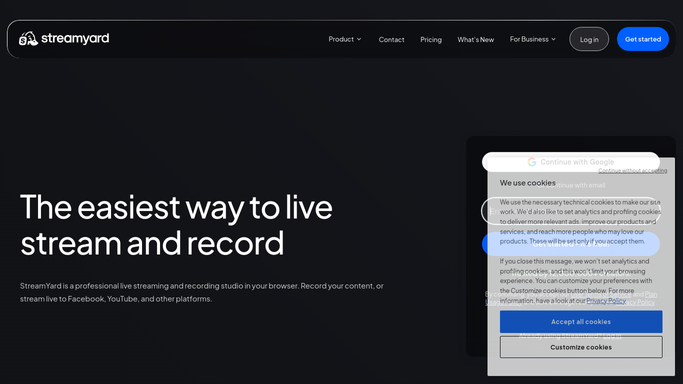
WebRun opens StreamYard to collect the broadcast comments. - Open StreamYard and go to your most recent broadcast
- Read the comments pulled in from every destination the stream went out to
- Capture the commenter name, the destination, the timestamp, and the text
- Mark which comments are questions and which were read out or answered on air
Done when Every comment from the last broadcast is captured and marked answered or not.
-
2
Google Sheets - build the reply queue
google.com How to Automate Google Sheets

WebRun opens Google Sheets to build the reply queue. - Write each unanswered question into the reply queue sheet with its destination and timestamp
- Group repeated questions together so one reply covers several people
- Add a column for who will reply and whether it has been sent
- Skip comments already logged from an earlier broadcast
Done when The sheet holds every unanswered question with its destination and an owner column.
-
3
Microsoft Teams - hand the queue to the team
microsoft.com How to Automate Microsoft Teams

WebRun opens Microsoft Teams to hand the queue to the team. - Post the reply queue to your internal show channel with a count of open questions
- Put the most-repeated questions first so one answer clears several
- Link the sheet so anyone can claim a question
- Leave replying to a person, and never post a public comment reply
Done when The team has this morning's reply queue in Teams with the sheet linked.
How is each run configured?
Secure by default
Connect once, stays signed in
WebRun signs in once and keeps each session in a persistent environment, so every run picks up right where it left off.
Every action is checked against this policy before it runs.
Questions, answered
Will it reply to viewers publicly?
No. WebRun builds an internal queue in Google Sheets and Microsoft Teams and stops there. Every public reply is written and posted by a person on your team.
How does it know a question was already answered?
It checks whether the question was read out or replied to during the broadcast and marks it answered, so the queue holds only what still needs a response.
Does it cover every place the stream went out to?
Yes. It reads the comments StreamYard pulled in from each destination the broadcast was sent to, and tags every question with where it came from.
Related templates
Put this on autopilot.
Turn it on in minutes - or have our team set it up for you.