Automated Streamlabs Supporter Thank-Yous
Every Monday, WebRun opens your Streamlabs dashboard, lists last week's tips and the stream stats that go with them, drafts a personal thank-you email in Gmail for every supporter who left an address and leaves it unsent, then posts a weekly recap to your Slack channel for the team.
How do I thank all my stream supporters each week?
WebRun builds your Streamlabs week in review every Monday. It pulls last week's tips and stream hours, drafts a personal thank-you email in Gmail for each supporter and leaves it unsent for your approval, then posts a recap to Slack showing hours live, total support, and new supporters.
- Every supporter gets a personal note instead of the ones you happened to remember
- Nothing is sent without you reading it first
- You start the week knowing hours live and total support at a glance
Built for live streamers · content creators · charity streamers · creator managers
What does WebRun do on every run?
The exact actions WebRun takes, in order - in plain language, so you can adjust anything.
-
WebRun signs in and gets to work
Opens
streamlabs.comin a real browser with your saved login - no setup, no API keys. -
1
Streamlabs - pull last week's tips and stats
streamlabs.com
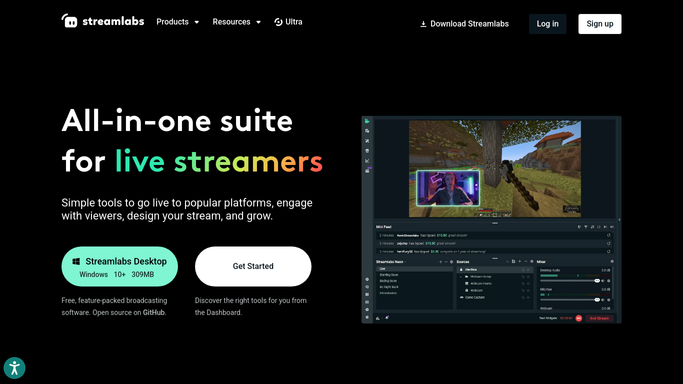
WebRun opens Streamlabs to pull last week's tips and stats. - Open the Streamlabs dashboard and go to last week's activity and donations
- List each tip with the supporter name, amount, date, and any message they left
- Capture the stream level numbers for the same period: streams run, hours live, and total support received
- Note first time supporters separately from returning ones
Done when Last week's tips and stream numbers are captured.
-
2
Gmail - draft a thank-you per supporter
gmail.com

WebRun opens Gmail to draft a thank-you per supporter. - Draft one short thank-you email per supporter who left a contact address
- Reference their message and the stream it came from so the note reads personal
- Leave every message in Drafts. Send nothing
- Skip anyone already thanked in a previous week for the same tip
Done when A thank-you draft is waiting for every supporter, and nothing has been sent.
-
3
Slack - post the weekly recap
slack.com

WebRun opens Slack to post the weekly recap. - Post the weekly recap to your creator or team channel in Slack
- Show hours live, streams run, total support, and how many drafts are waiting
- Call out first time supporters so they get a shout out on the next stream
Done when The weekly recap is in Slack with the draft count.
How is each run configured?
Secure by default
Connect once, stays signed in
WebRun signs in once and keeps each session in a persistent environment, so every run picks up right where it left off.
Every action is checked against this policy before it runs.
Questions, answered
Will it email my supporters without me?
No. Every thank-you sits in Gmail Drafts until you read it and press send. WebRun never emails a supporter on its own, and the only automatic message is the internal Slack recap to your own channel.
Does it change anything in Streamlabs?
No. WebRun only reads the dashboard, the donation list, and the stream stats. It never refunds a tip, edits an alert, changes a widget, or touches your stream settings.
What about supporters who tipped anonymously?
They are counted in the totals and the Slack recap but get no draft, because there is no address to write to. Anonymous names are not published anywhere outside your own channel.
Related templates
Put this on autopilot.
Turn it on in minutes - or have our team set it up for you.