Flag high value invoices stuck in approval
WebRun checks Stampli for invoices stuck waiting on approval, creates a Trello card for anything high value, and messages you on WhatsApp so big payments don't stall.
- No credit card
- Under $0.01 per run
- Cancel anytime
How do I catch high value Stampli invoices stuck in approval?
WebRun checks Stampli every morning for high value invoices stuck in approval more than 2 days, creates a Trello card assigned to the approver's manager, and messages you on WhatsApp with the count and the largest one. Approving or rejecting the invoice stays inside Stampli, this just makes sure a big payment never stalls unnoticed.
- High value invoices get escalated after 2 days, not left indefinitely
- Only genuinely high value exceptions interrupt you
- Every escalation gets a manager and a Trello card
Built for accounts payable teams · controllers · finance managers · mid market businesses
What does WebRun do on every run?
The exact actions WebRun takes, in order - in plain language, so you can adjust anything.
-
WebRun signs in and gets to work
Opens
stampli.comin a real browser with your saved login - no setup, no API keys. -
1
Stampli - find invoices stuck in approval
stampli.com
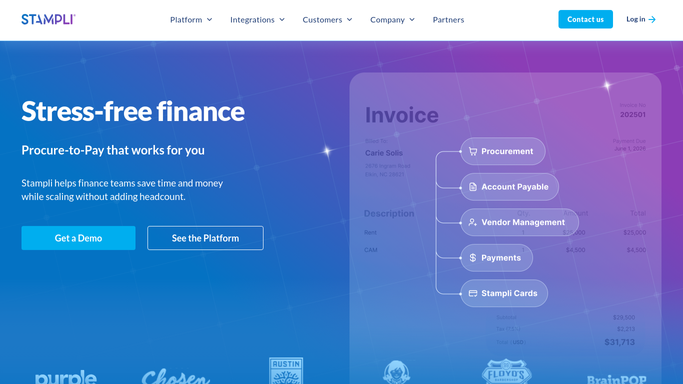
WebRun opens Stampli to find invoices stuck in approval. - Open Stampli and list invoices still awaiting approval
- Check how many days each has been waiting
- Flag anything above your high value threshold that's been waiting more than 2 days
Done when Every high value invoice stuck more than 2 days is listed.
-
2
Trello - create a Trello card for anything high value
trello.com How to Automate Trello

WebRun opens Trello to create a Trello card for anything high value. - Create a card for each high value stuck invoice
- Include vendor, amount, and current approver
- Assign the card to the approver's manager
Done when Every high value stuck invoice has an assigned Trello card.
-
3
WhatsApp - message you on WhatsApp
whatsapp.com How to Automate WhatsApp

WebRun opens WhatsApp to message you on WhatsApp. - Message you the count of high value invoices stuck in approval
- Name the largest one and its approver
- Skip the message when nothing is stuck
Done when You're messaged only when a high value invoice is stuck.
How is each run configured?
Secure by default
Connect once, stays signed in
WebRun signs in once and keeps each session in a persistent environment, so every run picks up right where it left off.
Every action is checked against this policy before it runs.
Questions, answered
Does it approve the invoice for me?
No. It only flags what's stuck and escalates it. Approving or rejecting stays a human decision inside Stampli.
What counts as high value?
An amount above the threshold you set. Smaller invoices stuck in approval aren't escalated this way, only ones above your threshold.
Who does the Trello card get assigned to?
The approver's manager, so a high value invoice that's stalled gets a second set of eyes without bypassing the original approver.
Related templates
Put this on autopilot.
Turn it on in minutes - or have our team set it up for you.