Get a daily digest of all open job orders and fill rates
Every morning, WebRun opens Avionte, scans all open job orders across verticals, tallies filled versus unfilled positions by recruiter and client, and posts a clean digest to your Slack staffing channel so the whole team sees where the gaps are before the day begins.
- No credit card
- Under $0.01 per run
- Cancel anytime
What does WebRun do on every run?
The exact actions WebRun takes, in order - in plain language, so you can adjust anything.
-
WebRun signs in and gets to work
Opens
app.avionte.comin a real browser with your saved login - no setup, no API keys. -
1
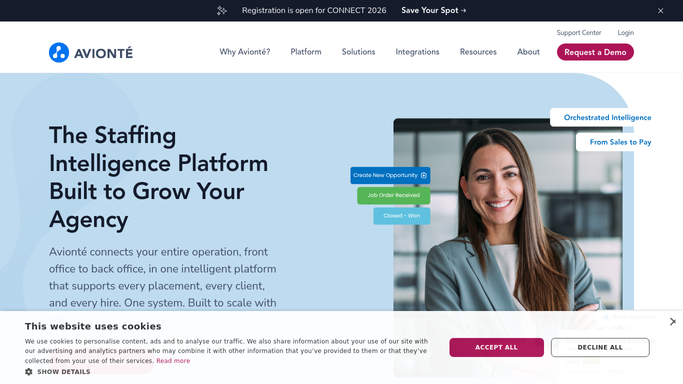
Avionte - read open job orders and fill status
avionte.com How to Automate Avionte

WebRun opens Avionte to read open job orders and fill status. - Open Avionte and navigate to the Job Orders list view
- Filter to status Open or Partially Filled
- For each order, capture the client name, role, headcount needed, positions filled, recruiter owner, and vertical
- Calculate the fill rate for each order: positions filled divided by headcount needed
- Flag any orders at zero fill rate that have been open for more than two days as urgent
Done when Every open job order has a fill rate calculated and an urgency flag where appropriate.
-
2
Slack - post the daily digest to the team
slack.com How to Automate Slack
WebRun opens Slack to post the daily digest to the team. - Post a digest to the staffing-ops channel listing total open orders, overall fill rate, and any urgent zero-fill orders
- Group by recruiter so each team member sees their own workload at a glance
- Include a direct link to the Avionte Job Orders view for quick drill-down
Done when The daily digest is posted in Slack and every recruiter can see their open orders and fill rates.

How do I get a daily digest of open job orders and fill rates from Avionte?
Every morning WebRun opens Avionte, reads all open job orders across every recruiter and vertical, calculates fill rates, and posts a digest to Slack. The team sees total open orders, fill percentages, urgent zero-fill gaps, and links into Avionte before the day starts, with no manual reporting.
- Managers see every open order and fill rate before 8 AM without opening Avionte manually
- Urgent zero-fill orders are flagged automatically so nothing slips
- Each recruiter sees their personal workload grouped clearly in one Slack message
Built for staffing agency managers · temp agency ops teams · recruiting team leads · workforce solutions firms
How is each run configured?
Secure by default
Connect once, stays signed in
WebRun signs in once and keeps each session in a persistent environment, so every run picks up right where it left off.
Every action is checked against this policy before it runs.
Questions, answered
Does it contact candidates or clients during the digest run?
No. The digest is a read-only internal report posted to your Slack channel. WebRun reads Avionte data and posts a summary, it never reaches out to clients or candidates.
Can I filter the digest by vertical or branch?
Yes. During setup you choose which verticals, branches, or recruiter groups to include. You can also set separate urgency thresholds per vertical to match your typical fill speed.
What counts as an urgent order?
By default, any order at zero fill rate that has been open for more than two days is flagged as urgent. You can adjust both the fill threshold and the age threshold during setup.
Related templates
Put this on autopilot.
Turn it on in minutes - or have our team set it up for you.