Track candidate certification and credential expiry before placements are at risk
Every morning, WebRun opens Avionte and checks every active candidate's credential records for certifications expiring in the next 30 days, such as OSHA cards, forklift licenses, and food-handler permits, posts a prioritized worklist to Slack for the compliance team, and drafts renewal reminder emails in Gmail for review before sending.
- No credit card
- Under $0.01 per run
- Cancel anytime
What does WebRun do on every run?
The exact actions WebRun takes, in order - in plain language, so you can adjust anything.
-
WebRun signs in and gets to work
Opens
app.avionte.comin a real browser with your saved login - no setup, no API keys. -
1
Avionte - scan candidate credential expiry dates
avionte.com How to Automate Avionte

WebRun opens Avionte to scan candidate credential expiry dates. - Open Avionte and navigate to Candidates, filtering to active and on-assignment records
- Read each candidate's credential or certification expiry dates from their profile
- Flag certifications expiring within 30 days as upcoming and within 7 days as urgent
- Capture the candidate name, certification type, expiry date, client assignment, and recruiter owner
Done when Every expiring certification within 30 days is listed with urgency tier and assignment details.
-
2
Slack - post expiry worklist to compliance team
slack.com How to Automate Slack
WebRun opens Slack to post expiry worklist to compliance team. - Post a worklist to the compliance Slack channel grouped by urgency: expiring this week versus expiring this month
- For each entry, show the candidate name, certification type, expiry date, and the client they are assigned to
- Include a link to the candidate's Avionte profile for quick update access
Done when The compliance team has a Slack worklist of all upcoming credential expiries sorted by urgency.
-
3
Gmail - draft renewal reminder for candidate review
gmail.com How to Automate Gmail
WebRun opens Gmail to draft renewal reminder for candidate review. - Draft a renewal reminder email for each candidate expiring within 7 days: address them by name, cite the specific certification and expiry date, and provide renewal instructions
- Save each email as a Gmail draft and leave it unsent for the compliance team to review before sending
Done when A Gmail draft renewal reminder exists for every candidate expiring within 7 days, ready for compliance team review.
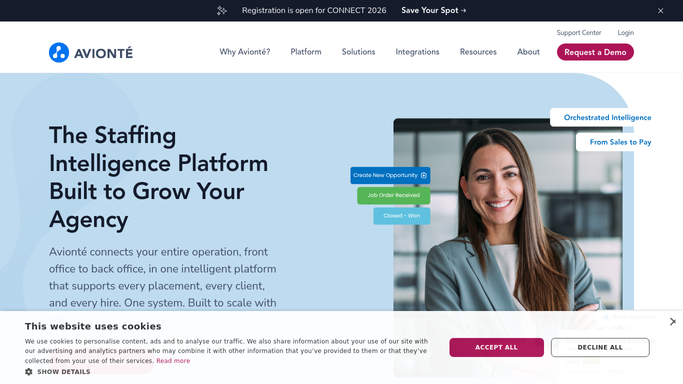


How do I track candidate certification expiry dates automatically in a staffing agency?
Every morning WebRun opens Avionte and checks every active candidate's credential records for certifications expiring within 30 days, such as OSHA cards and forklift licenses. It posts a prioritized worklist to Slack and drafts renewal reminders in Gmail for the compliance team to review before sending, so no placement ever runs with an invalid credential.
- Expiring certifications are flagged 30 days ahead, giving time to renew before assignments are affected
- Compliance teams start each day with a prioritized worklist, not a manual Avionte audit
- No candidate is sent to a client site with an expired OSHA card or forklift license
Built for staffing agency compliance teams · light-industrial staffing firms · workforce solutions coordinators · temp agency recruiters
How is each run configured?
Secure by default
Connect once, stays signed in
WebRun signs in once and keeps each session in a persistent environment, so every run picks up right where it left off.
Every action is checked against this policy before it runs.
Questions, answered
Will it email candidates about expiring certifications on its own?
No. Renewal reminder emails are saved as Gmail drafts and left unsent until a compliance team member reviews and approves each one. Candidates receive nothing without human sign-off.
Which certifications does it track?
It tracks whatever certification fields are configured in each candidate's Avionte profile, including OSHA 10 and 30, forklift licenses, food-handler permits, background check dates, and any custom credentials your agency tracks.
What happens if an on-assignment candidate's certification expires without renewal?
The Slack worklist flags the candidate's current client assignment so the recruiter can decide whether to pull them from the role until the credential is renewed, preventing a compliance breach.
Related templates
Put this on autopilot.
Turn it on in minutes - or have our team set it up for you.