Automated SocialFlow Post Failure Alerts
Every hour, WebRun opens SocialFlow, checks the real-time publishing queue for any post that failed to go out at its algorithmically optimized moment, creates a Trello card so an editor can review and repost it, and messages the team on WhatsApp when a breaking-news post is affected.
How do I catch a SocialFlow post that missed its optimal publishing window?
WebRun checks SocialFlow's real-time publishing queue every hour for any post that missed its algorithmically optimized moment, creates a Trello card so an editor can review it, and messages the team on WhatsApp when breaking news is affected. It never reposts a story itself, leaving that editorial call to a person.
- A missed publishing window gets caught within the hour
- Breaking news delays reach the team immediately on WhatsApp
- Editors work from one Trello queue instead of the raw log
Built for News publishers · media companies · digital newsrooms · content editors
What does WebRun do on every run?
The exact actions WebRun takes, in order - in plain language, so you can adjust anything.
-
WebRun signs in and gets to work
Opens
www.socialflow.comin a real browser with your saved login - no setup, no API keys. -
1
SocialFlow - check for posts that missed their optimized moment
socialflow.com
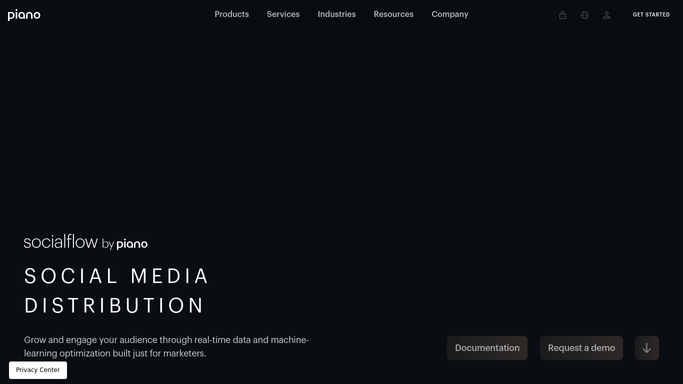
WebRun opens SocialFlow to check for posts that missed their optimized moment. - Open the real-time publishing queue in SocialFlow
- Check the status of posts scheduled for optimized timing since the last check
- Flag any post marked failed or delayed past its window
Done when Every post's publish status has been checked against its planned window.
-
2
Trello - create a review card
trello.com

WebRun opens Trello to create a review card. - Create a card for each post that missed its window
- Add the headline, the intended time, and the reason given
- Leave the card for an editor to review and decide whether to repost
Done when Every missed post has a Trello card ready for editorial review.
-
3
WhatsApp - message the team
whatsapp.com

WebRun opens WhatsApp to message the team. - Message the team when a breaking-news post is affected
- Include the headline and how long it's been delayed
- Skip the message for lower-priority posts already covered by the Trello card
Done when The team has been alerted to any urgent missed post.
How is each run configured?
Secure by default
Connect once, stays signed in
WebRun signs in once and keeps each session in a persistent environment, so every run picks up right where it left off.
Every action is checked against this policy before it runs.
Questions, answered
Does WebRun repost the missed story automatically?
No. It only flags the miss and hands it to an editor on a Trello card. Deciding whether and how to repost is still a human editorial call.
Why would a post miss its optimized moment?
Usually a connection issue or a delay in SocialFlow's timing engine. The Trello card includes the reason given, so an editor knows what happened.
Does every missed post trigger a WhatsApp message?
No. Only ones flagged as breaking news get the WhatsApp alert. Everything else is tracked on the Trello board for the next editorial check.
Related templates
Put this on autopilot.
Turn it on in minutes - or have our team set it up for you.