Give every shift a clean handoff, every single time
At the end of every shift, WebRun opens Sobriety Hub, pulls the day's admissions, discharges, incidents, curfew misses, and pending pass requests into a draft handoff summary, posts it to Slack for the outgoing manager to confirm, and archives it in Google Sheets for the record.
- No credit card
- Under $0.01 per run
- Cancel anytime
What does WebRun do on every run?
The exact actions WebRun takes, in order - in plain language, so you can adjust anything.
-
WebRun signs in and gets to work
Opens
app.sobrietyhub.comin a real browser with your saved login - no setup, no API keys. -
1
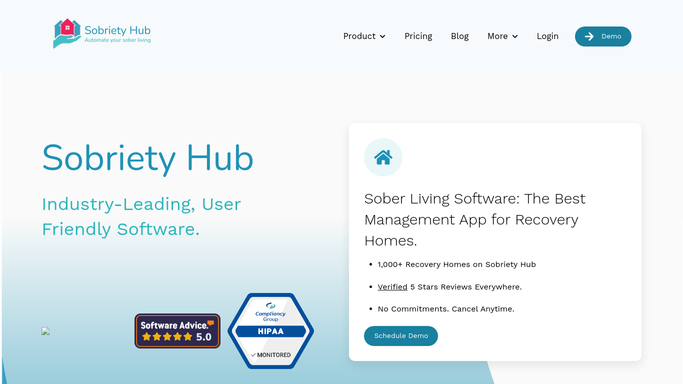
Sobriety Hub - pull the shift's key events
sobrietyhub.com How to Automate Sobriety Hub

WebRun opens Sobriety Hub to pull the shift's key events. - Pull the shift's logged events from Sobriety Hub, including new admissions, discharges, incidents, curfew misses, and pending pass requests
- Draft a handoff summary organized by category
Done when Every logged event from the shift is captured in the draft summary.
-
2
Slack - post the handoff to the next shift
slack.com How to Automate Slack
WebRun opens Slack to post the handoff to the next shift. - Post the draft handoff summary to the shift channel
- Let the outgoing manager confirm or edit it before the incoming manager clocks in
Done when The incoming manager has a confirmed handoff summary in Slack at shift change.
-
3
Google Sheets - keep the handoff history
google.com How to Automate Google Sheets
WebRun opens Google Sheets to keep the handoff history. - Append the confirmed handoff summary to the Shift Handoff log
- Record the date, shift, and outgoing manager
Done when The handoff history has a complete record for every shift.


How do I make sure nothing gets lost between sober living house manager shifts?
At the end of every shift, WebRun pulls the day's admissions, discharges, incidents, curfew misses, and pending pass requests from Sobriety Hub into a draft handoff summary. The outgoing manager confirms or edits it in Slack before the incoming manager clocks in, and every confirmed summary is archived in Google Sheets, so nothing gets lost between shifts.
- Every shift change starts with a confirmed summary, not a verbal recap
- Nothing from a busy shift gets forgotten by the time the next manager arrives
- Past handoffs stay searchable in Google Sheets for reference or review
Built for sober living homes · recovery residences · house managers · overnight and weekend staff
How is each run configured?
Secure by default
Connect once, stays signed in
WebRun signs in once and keeps each session in a persistent environment, so every run picks up right where it left off.
Every action is checked against this policy before it runs.
Questions, answered
Does the handoff post before a manager reviews it?
No. WebRun drafts the summary and posts it to Slack for the outgoing manager to confirm or edit first, so the incoming shift always sees a checked handoff, not a raw system dump.
What does the handoff summary include?
New admissions, discharges, incidents, curfew misses, and pending pass requests from Sobriety Hub, organized by category so the incoming manager can scan it in under a minute.
Is there a searchable history of past handoffs?
Yes. Every confirmed summary is archived in Google Sheets with the date, shift, and outgoing manager, so staff can look back on any past shift.
Related templates
Put this on autopilot.
Turn it on in minutes - or have our team set it up for you.