Automated Sinch Weekly Verification Delivery Scorecard
Every Monday, WebRun opens the Sinch dashboard, compiles delivery and verification success rates across SMS and voice for the past week, posts a scorecard to Slack, and sends an immediate Telegram alert if success rate drops below your target so a delivery problem does not run all week unnoticed.
How do I track Sinch verification delivery success rates?
WebRun compiles Sinch SMS and voice verification delivery success rates every Monday, posts a scorecard to Slack broken out by country, and sends an immediate Telegram alert if any country's success rate drops below target, so a verification delivery problem is caught within the week instead of showing up in support tickets.
- Delivery success rates are compiled every Monday by country
- A drop below target triggers a same week Telegram alert
- The affected country is named instead of just an overall number
Built for CPaaS developers · messaging operations · product teams · fraud and security teams
What does WebRun do on every run?
The exact actions WebRun takes, in order - in plain language, so you can adjust anything.
-
WebRun signs in and gets to work
Opens
dashboard.sinch.comin a real browser with your saved login - no setup, no API keys. -
1
Sinch - compile delivery success rates
sinch.com
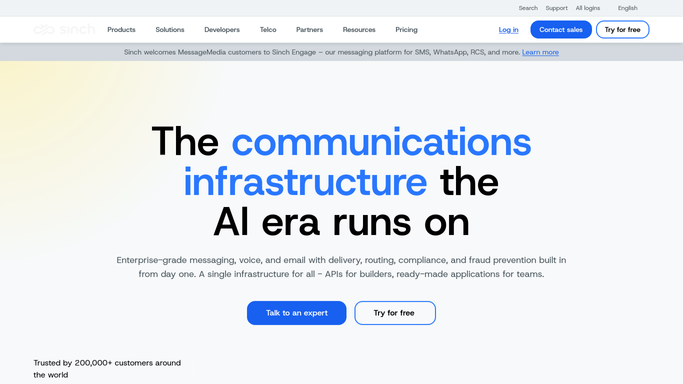
WebRun opens Sinch to compile delivery success rates. - Open the Sinch dashboard for the last 7 days
- Pull SMS and voice verification delivery success rates by country
- Flag any country below your success rate target
Done when Last week's verification delivery rates are compiled by country.
-
2
Slack - post the weekly scorecard
slack.com

WebRun opens Slack to post the weekly scorecard. - Post overall and by country delivery success rates to the team channel
- Call out any country below target
- Keep the scorecard to one message
Done when The team has this week's verification scorecard in Slack.
-
3
Telegram - alert on a success rate drop
telegram.org

WebRun opens Telegram to alert on a success rate drop. - Send an immediate Telegram alert if success rate drops below target
- Name the affected country and the rate reached
- Skip the alert on a week within target
Done when The team is alerted the same week a delivery problem starts.
How is each run configured?
Secure by default
Connect once, stays signed in
WebRun signs in once and keeps each session in a persistent environment, so every run picks up right where it left off.
Every action is checked against this policy before it runs.
Questions, answered
Does WebRun resend failed verification codes?
No. It only reads delivery success data from the Sinch dashboard and reports on it. Resending a code or fixing a route is done by your team.
Why does delivery success rate matter by country?
Because a drop is often isolated to one carrier or country route, so calling it out by country makes the actual problem easier to find and fix.
How is the Telegram alert different from the weekly scorecard?
The scorecard covers every country every week. Telegram only fires the moment a country's success rate actually drops below your target, so it is reserved for real problems.
Related templates
Put this on autopilot.
Turn it on in minutes - or have our team set it up for you.