Automated Sinch Virtual Number Audit
Every Monday, WebRun opens Sinch, lists every virtual number you rent with its country, number type, monthly rental, and whether anything is wired to it, records the inventory in Airtable, and posts to Notion the numbers that cost money each month with no service attached.
How do I find virtual numbers I pay for but no longer use?
WebRun audits your Sinch number inventory every Monday. It lists every virtual number you rent with its country, type, monthly rental, and connected service, records the inventory in Airtable, and posts the idle numbers and their combined monthly cost to Notion for you to approve releasing.
- Idle numbers stop billing month after month unnoticed
- Every rented number carries a cost and a connected service in the inventory
- The saving from releasing idle numbers is shown before you decide
Built for telephony admins · operations leads · finance teams · CPaaS developers
What does WebRun do on every run?
The exact actions WebRun takes, in order - in plain language, so you can adjust anything.
-
WebRun signs in and gets to work
Opens
dashboard.sinch.comin a real browser with your saved login - no setup, no API keys. -
1
Sinch - list rented numbers and costs
sinch.com
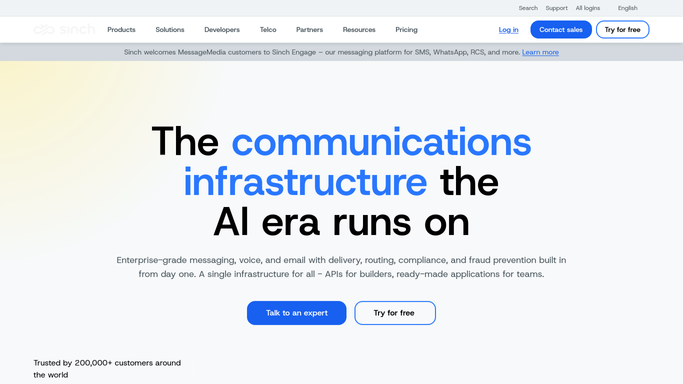
WebRun opens Sinch to list rented numbers and costs. - Open Sinch and go to your virtual numbers list
- Capture each number with its country, number type, and monthly rental cost
- Note which app or service each number is connected to, and mark the ones connected to nothing
- Record the date each number was provisioned and any recent traffic on it
- Never release or reassign a number. WebRun only reads the inventory
Done when Every rented number is captured with its cost, country, type, and connected service.
-
2
Airtable - log the number inventory
airtable.com

WebRun opens Airtable to log the number inventory. - Open your telephony inventory base in Airtable
- Add or update a row per number with country, type, monthly rental, and connected service
- Set a status of in use, idle, or unknown on each row
- Keep the running monthly total so the trend across weeks is visible
Done when The Airtable inventory matches the live Sinch number list with a status on every row.
-
3
Notion - post the idle numbers to release
notion.so

WebRun opens Notion to post the idle numbers to release. - Post this week's release candidates to your operations page in Notion
- List every idle number with its monthly rental and how long it has been idle
- Show the total monthly saving if all of them were released
- Mark each as a proposal for a human to approve. WebRun never releases a number
Done when The idle numbers and the monthly saving they represent are in Notion for review.
How is each run configured?
Secure by default
Connect once, stays signed in
WebRun signs in once and keeps each session in a persistent environment, so every run picks up right where it left off.
Every action is checked against this policy before it runs.
Questions, answered
Will it release numbers on its own?
No. WebRun lists the idle numbers and what each costs, then leaves the decision to you. Releasing a number is permanent and can mean losing it for good, so it always stays a human click.
How does it decide a number is idle?
A number is marked idle when nothing is connected to it in Sinch and it has shown no recent traffic. Anything ambiguous is marked unknown rather than idle, so you never release a live number by mistake.
Does it show what I would save?
Yes. The Notion post totals the monthly rental of every idle number, so you can see the saving before deciding which ones to release and which to keep as spares.
Related templates
Put this on autopilot.
Turn it on in minutes - or have our team set it up for you.