Export your tagged Simplenote notes every week
Every Monday, WebRun opens Simplenote, finds notes tagged for work or a shared project, groups them by tag, blocks a short review slot on Google Calendar, and posts a summary to the team's Microsoft Teams channel.
- No credit card
- Under $0.01 per run
- Cancel anytime
How do I get a weekly summary of my tagged Simplenote notes?
WebRun checks Simplenote every Monday for notes tagged for work, groups them by tag, blocks a short review slot on Google Calendar, and posts a summary to the team's Microsoft Teams channel noting what's new. Tagged notes get a standing weekly review instead of quietly piling up unread.
- Tagged notes get a standing weekly review slot
- The team sees what's new without opening every note
- Review time never has to be found manually
Built for writers · small teams · personal knowledge management · note-taking enthusiasts
What does WebRun do on every run?
The exact actions WebRun takes, in order - in plain language, so you can adjust anything.
-
WebRun signs in and gets to work
Opens
app.simplenote.comin a real browser with your saved login - no setup, no API keys. -
1
Simplenote - find notes tagged for work
simplenote.com
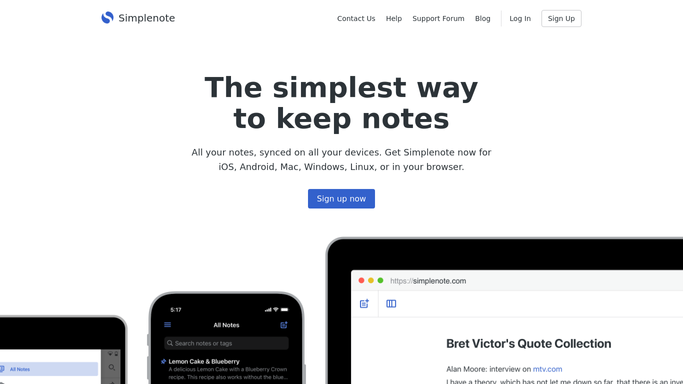
WebRun opens Simplenote to find notes tagged for work. - Open Simplenote and find notes tagged for work or a shared project
- Note each note's tags and last-edited date
- Group notes by tag
Done when Every tagged work note is listed with its tag and last edit.
-
2
Google Calendar - block time to review them
calendar.google.com How to Automate Google Calendar

WebRun opens Google Calendar to block time to review them. - Block a short weekly review slot for going through the tagged notes
- Title it with the number of notes to review
- Set it for the same time each week
Done when A weekly review slot is on the calendar.
-
3
Microsoft Teams - share the export summary
microsoft.com How to Automate Microsoft Teams

WebRun opens Microsoft Teams to share the export summary. - Post a summary of this week's tagged notes to the team's Teams channel
- Group the summary by tag
- Note which notes are new since last week
Done when The team has this week's tagged note summary in Teams.
How is each run configured?
Secure by default
Connect once, stays signed in
WebRun signs in once and keeps each session in a persistent environment, so every run picks up right where it left off.
Every action is checked against this policy before it runs.
Questions, answered
Will it edit or delete any of my notes?
No. WebRun only reads tagged notes to build the summary. It never edits, deletes, or retags a note.
Which notes does it pick up?
Only notes tagged for work or a shared project, so personal or unrelated notes stay out of the team summary.
What's the calendar block for?
It sets aside a short weekly slot so tagged notes actually get reviewed, instead of accumulating unread.
Related templates
Put this on autopilot.
Turn it on in minutes - or have our team set it up for you.