Automated SendPulse Send Calendar Sync
Every Monday, WebRun opens SendPulse, reads the campaigns scheduled to send in the next 7 days, creates a matching Google Calendar event for each send date, and drafts a WhatsApp heads-up for the campaign owner whenever a send targets an unusually large audience.
How do I get a shared calendar of my upcoming SendPulse sends?
WebRun reads your upcoming SendPulse scheduled campaigns every Monday, creates a matching Google Calendar event for each send date, and drafts a WhatsApp heads-up whenever a campaign targets an unusually large audience. The whole team can see what is going out and when, without opening SendPulse to check.
- The whole team can see upcoming sends without opening SendPulse
- An unusually large send gets a heads-up before it goes out
- The shared calendar always matches what is actually scheduled
Built for marketing teams · small business owners · agencies · multichannel marketers
What does WebRun do on every run?
The exact actions WebRun takes, in order - in plain language, so you can adjust anything.
-
WebRun signs in and gets to work
Opens
login.sendpulse.comin a real browser with your saved login - no setup, no API keys. -
1
SendPulse - read scheduled campaigns
sendpulse.com
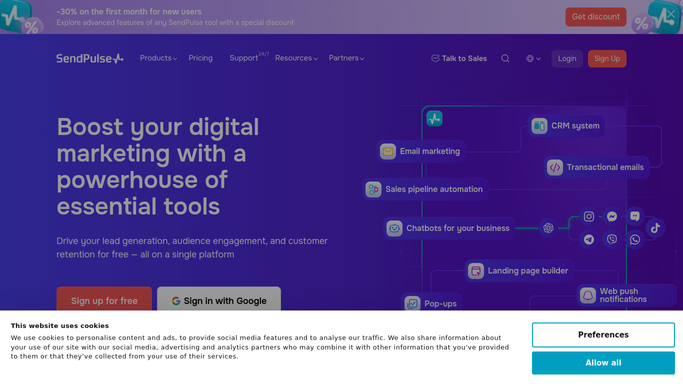
WebRun opens SendPulse to read scheduled campaigns. - Open SendPulse and list campaigns scheduled to send in the next 7 days
- Capture the send date, channel, and audience size for each
- Flag any campaign whose audience is well above your usual send size
Done when Every campaign scheduled for the next 7 days has been captured.
-
2
Google Calendar - create an event per send
calendar.google.com

WebRun opens Google Calendar to create an event per send. - Create or update an event for each scheduled send with its date and channel
- Keep the shared send calendar free of duplicate events
- Remove an event automatically if the campaign is cancelled
Done when The shared calendar matches every campaign currently scheduled in SendPulse.
-
3
WhatsApp - draft a heads-up for large sends
whatsapp.com

WebRun opens WhatsApp to draft a heads-up for large sends. - For any unusually large scheduled send, draft a heads-up message to the campaign owner
- Name the campaign, the date, and the audience size
- Leave the message as a draft. Never send it automatically
Done when A heads-up draft exists for every unusually large scheduled send.
How is each run configured?
Secure by default
Connect once, stays signed in
WebRun signs in once and keeps each session in a persistent environment, so every run picks up right where it left off.
Every action is checked against this policy before it runs.
Questions, answered
Will it send the WhatsApp heads-up automatically?
No. WebRun only drafts the message for an unusually large send. A person reviews and sends it, WebRun never messages anyone on its own.
Does it change any scheduled campaign in SendPulse?
No. It only reads what is already scheduled and mirrors it to Google Calendar. Editing or cancelling a campaign is still done in SendPulse directly.
What counts as an unusually large audience?
A send size well above what you normally schedule. You can tighten or loosen that line to match your own sending patterns.
Related templates
Put this on autopilot.
Turn it on in minutes - or have our team set it up for you.