Export your Seafile library inventory to a sheet every week
Every Monday, WebRun opens Seafile, lists every library with its files, sizes, and last modified dates, exports the full inventory to Google Sheets, and posts a short summary note in Notion.
- No credit card
- Under $0.01 per run
- Cancel anytime
What does WebRun do on every run?
The exact actions WebRun takes, in order - in plain language, so you can adjust anything.
-
WebRun signs in and gets to work
Opens
www.seafile.comin a real browser with your saved login - no setup, no API keys. -
1
Seafile - list libraries and files
seafile.com

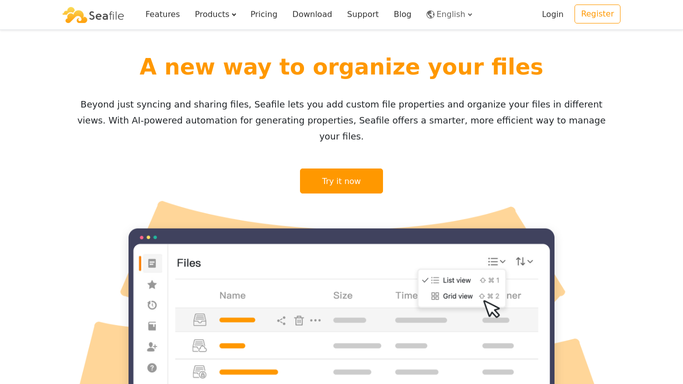
WebRun opens Seafile to list libraries and files. - Open each library and list its files with size and last modified date
- Note total storage used per library
- Flag libraries with no activity in the last 30 days
Done when Every library's file inventory is captured.
-
2
Google Sheets - export the inventory
google.com How to Automate Google Sheets
WebRun opens Google Sheets to export the inventory. - Write each library's file inventory to its own tab
- Add a summary tab with total storage per library
- Keep last week's export for comparison
Done when This week's inventory has been exported to Google Sheets.
-
3
Notion - post the summary note
notion.so How to Automate Notion
WebRun opens Notion to post the summary note. - Publish a short note summarizing total libraries and storage used
- List any library flagged as inactive
- Link to the full Google Sheets export
Done when This week's summary note is published in Notion.


How do I track my Seafile library inventory over time?
WebRun checks every library in your Seafile account each Monday, listing files with their size and last modified date. It exports the full inventory to Google Sheets by library and posts a short summary in Notion, flagging anything inactive for 30 days, so storage stays visible without opening Seafile.
- A weekly file inventory without opening Seafile
- Inactive libraries flagged automatically after 30 days
- A running week by week storage history
Built for IT admins · self-hosted storage users · operations teams · small business owners
How is each run configured?
Secure by default
Connect once, stays signed in
WebRun signs in once and keeps each session in a persistent environment, so every run picks up right where it left off.
Every action is checked against this policy before it runs.
Questions, answered
Will it delete files from inactive libraries?
No. WebRun only reads and exports the file list. Removing a file or archiving a library is a decision you make yourself.
What counts as an inactive library?
Any library with no file added or changed in the last 30 days, so genuinely stale storage gets flagged instead of ignored.
Can I compare inventory across weeks?
Yes. Each week's export is kept in Google Sheets, so growth or cleanup can be tracked over time.
Related templates
Put this on autopilot.
Turn it on in minutes - or have our team set it up for you.