Reconcile Safeguard Global compliance across countries
Every month, WebRun opens Safeguard Global, checks each country's compliance and filing status, logs it to Airtable alongside the prior month, and emails your People Ops lead a reconciliation summary flagging any country that fell out of good standing.
- No credit card
- Under $0.01 per run
- Cancel anytime
What does WebRun do on every run?
The exact actions WebRun takes, in order - in plain language, so you can adjust anything.
-
WebRun signs in and gets to work
Opens
safeguardglobal.comin a real browser with your saved login - no setup, no API keys. -
1
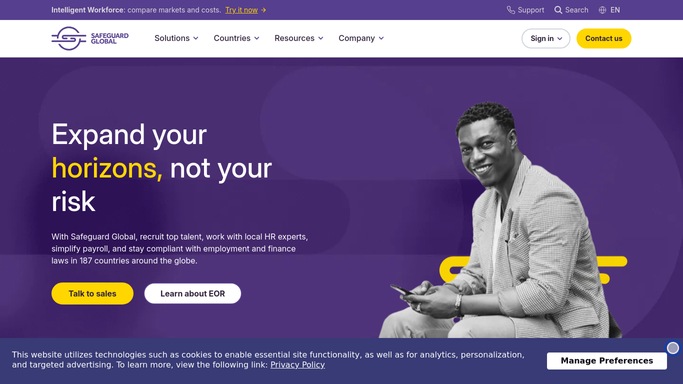
Safeguard Global - check compliance status by country
safeguardglobal.com

WebRun opens Safeguard Global to check compliance status by country. - Open Safeguard Global and check each country's compliance status
- Read filing and registration status per country
- Flag any country that changed status since last month
Done when Every country's compliance status for the month is captured.
-
2
Airtable - log this month's status
airtable.com How to Automate Airtable
WebRun opens Airtable to log this month's status. - Add this month's status row for each country
- Compare against last month's logged status
- Keep the history for a running compliance record
Done when Every country has a current and historical status logged.
-
3
Gmail - email the reconciliation summary
gmail.com How to Automate Gmail
WebRun opens Gmail to email the reconciliation summary. - Draft a reconciliation summary of the month's compliance status
- Lead with any country that changed status
- Send it to your People Ops lead
Done when The People Ops lead has this month's reconciliation summary.


How do I reconcile Safeguard Global compliance status across countries?
WebRun checks Safeguard Global every month for each country's compliance and filing status, logs it to Airtable alongside the prior month, and emails your People Ops lead a reconciliation summary that leads with any country whose status changed. It never files anything itself, so a compliance shift gets surfaced for review, not silently missed.
- Compliance status changes get caught the same month
- A running compliance history builds up in Airtable
- People Ops gets one summary instead of checking each country
Built for Global People operations · international HR teams · compliance managers · multinational employers
How is each run configured?
Secure by default
Connect once, stays signed in
WebRun signs in once and keeps each session in a persistent environment, so every run picks up right where it left off.
Every action is checked against this policy before it runs.
Questions, answered
Does it file anything on your behalf?
No. WebRun only reads and reports compliance status. Filing and registration work stays with Safeguard Global and your People Ops team.
Does it contact employees in each country?
No, the summary goes only to your internal People Ops lead. WebRun never messages employees about compliance status.
What counts as a status change?
Any country whose filing or registration status in Safeguard Global differs from what was logged the prior month, flagged first in the summary.
Related templates
Put this on autopilot.
Turn it on in minutes - or have our team set it up for you.