Get new RSS.com episodes drafted and ready to review
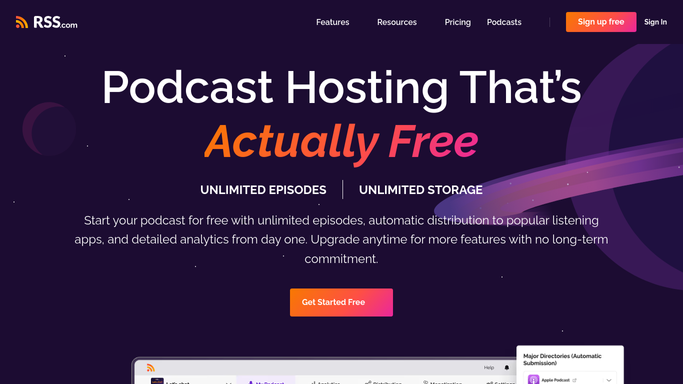
Every morning, WebRun opens RSS.com, finds episodes uploaded in draft with missing show notes, drafts a title, description, and tags for each, logs the draft as a row in an Airtable content calendar, and emails the host that it's ready to review before it publishes to podcast directories.
- No credit card
- Under $0.01 per run
- Cancel anytime
What does WebRun do on every run?
The exact actions WebRun takes, in order - in plain language, so you can adjust anything.
-
WebRun signs in and gets to work
Opens
rss.comin a real browser with your saved login - no setup, no API keys. -
1
RSS.com - check new draft episodes
rss.com

WebRun opens RSS.com to check new draft episodes. - Open RSS.com and list episodes uploaded in draft
- Check each for a title, description, and tags
- Draft any of the three that are missing, based on the audio file name and show format
Done when Every new draft episode has a proposed title, description, and tags.
-
2
Airtable - log the draft to the content calendar
airtable.com How to Automate Airtable
WebRun opens Airtable to log the draft to the content calendar. - Add a row to the content calendar for each new draft
- Include the proposed title, description, tags, and upload date
- Mark its status as Awaiting Review
Done when Every new draft episode has a row in the Airtable content calendar.
-
3
Gmail - email the host for review
gmail.com How to Automate Gmail
WebRun opens Gmail to email the host for review. - Email the host that a new episode draft is ready to review
- Include the proposed title and description in the email
- Never publish the episode. Leave that step to the host in RSS.com
Done when The host has an email for every new draft awaiting their review.


How do I get RSS.com episode drafts written and ready to review automatically?
WebRun checks RSS.com every morning for newly uploaded draft episodes, writing a proposed title, description, and tags for anything left incomplete. It logs the draft as a row in an Airtable content calendar and emails the host that it is ready to review, so every episode has finished show notes waiting before a human publishes it to podcast directories.
- Every new upload gets a proposed title and description within hours, not days
- The content calendar in Airtable stays current without manual entry
- Nothing reaches podcast directories without a human review first
Built for independent podcasters · podcast hosts · podcast production assistants · small podcast networks
How is each run configured?
Secure by default
Connect once, stays signed in
WebRun signs in once and keeps each session in a persistent environment, so every run picks up right where it left off.
Every action is checked against this policy before it runs.
Questions, answered
Does it publish the episode to Apple Podcasts and Spotify for me?
No. Publishing sends the episode out through the RSS feed to every directory at once, so WebRun only prepares a draft. A human always presses publish in RSS.com.
What does WebRun actually write?
A proposed title, description, and tags for any new upload that's missing them, based on the audio file name and your show's usual format.
What if I've already written the show notes myself?
It only drafts what's missing. An episode that already has a title, description, and tags is logged as is and skipped for drafting.
Related templates
Put this on autopilot.
Turn it on in minutes - or have our team set it up for you.