Reconcile your RSS.com episode distribution
Every morning, WebRun opens RSS.com, lists episodes published in the last 3 days, checks that each one shows up on Spotify and Apple Podcasts, logs the distribution status to Airtable, and emails you if any platform is missing an episode.
- No credit card
- Under $0.01 per run
- Cancel anytime
What does WebRun do on every run?
The exact actions WebRun takes, in order - in plain language, so you can adjust anything.
-
WebRun signs in and gets to work
Opens
rss.comin a real browser with your saved login - no setup, no API keys. -
1
RSS.com - list recently published episodes
rss.com

WebRun opens RSS.com to list recently published episodes. - Open the episode list in RSS.com
- Capture episodes published in the last 3 days
- Note the publish time for each
Done when Every episode published in the last 3 days is listed.
-
2
Airtable - log distribution status
airtable.com How to Automate Airtable
WebRun opens Airtable to log distribution status. - Check whether each episode appears on Spotify and Apple Podcasts
- Log the distribution status for each platform
- Flag any platform still missing an episode
Done when Every recent episode's distribution status is logged in Airtable.
-
3
Gmail - email a missing episode alert
gmail.com How to Automate Gmail
WebRun opens Gmail to email a missing episode alert. - List any episode still missing from a platform after 3 days
- Email you the list with the affected platform
- Skip the email if distribution is complete
Done when You have an email for any missing episode, or none if distribution is complete.
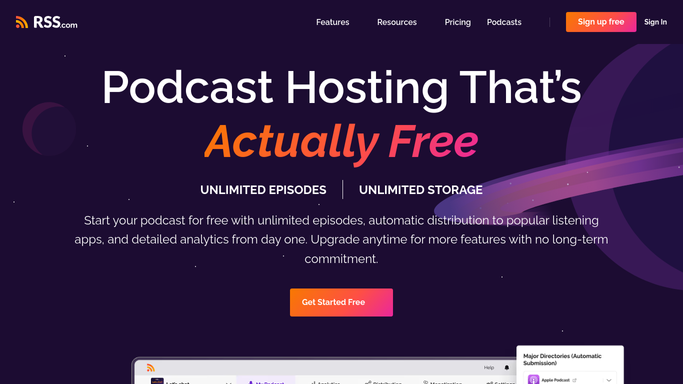


How do I know if an RSS.com episode is missing from Spotify or Apple Podcasts?
WebRun checks every RSS.com episode published in the last 3 days against Spotify and Apple Podcasts, logging each platform's distribution status to Airtable. If an episode is still missing from a platform after 3 days, it emails you a heads up, so a distribution gap gets caught before a listener notices it first.
- Distribution gaps get caught within 3 days
- Every episode's platform status is logged automatically
- No listener finds a missing episode before you do
Built for Independent podcasters · Podcast networks · Show producers · Content publishers
How is each run configured?
Secure by default
Connect once, stays signed in
WebRun signs in once and keeps each session in a persistent environment, so every run picks up right where it left off.
Every action is checked against this policy before it runs.
Questions, answered
Does it resubmit the feed to Spotify or Apple?
No. WebRun only checks and reports whether an episode appears. Any resubmission or fix is still done by you.
Why would an episode be missing from a platform?
Usually a delay in that platform picking up the RSS feed. The alert just makes sure a longer gap doesn't go unnoticed.
How long does it wait before flagging a gap?
3 days, giving normal feed processing time before treating a missing episode as worth a look.
Related templates
Put this on autopilot.
Turn it on in minutes - or have our team set it up for you.