Track your return shipping costs by carrier and category every week
Every Monday, WebRun opens Loop Returns and AfterShip, pulls the previous week's return shipping transactions, calculates total and average cost by carrier, product category, and return reason, and writes a structured report to Google Sheets so your finance team has an accurate weekly view of reverse logistics spend.
- No credit card
- Under $0.01 per run
- Cancel anytime
What does WebRun do on every run?
The exact actions WebRun takes, in order - in plain language, so you can adjust anything.
-
WebRun signs in and gets to work
Opens
app.loopreturns.comin a real browser with your saved login - no setup, no API keys. -
1
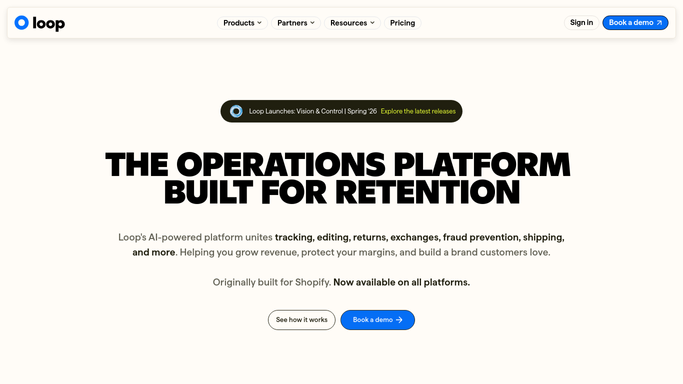
Loop Returns - pull return shipment records
loopreturns.com How to Automate Loop Returns

WebRun opens Loop Returns to pull return shipment records. - Open Loop Returns and filter to return shipments completed in the past seven days
- Capture each shipment: tracking number, SKU, category, return reason, and resolution type
Done when All return shipment records from the past week are collected with their category and reason data.
-
2
AfterShip - match carrier and shipment cost data
aftership.com
WebRun opens AfterShip to match carrier and shipment cost data. - Match each return shipment tracking number in AfterShip to retrieve carrier and shipping cost
- Note the carrier used and label cost for each return shipment
Done when Carrier and cost data is matched to each return shipment from Loop Returns.
-
3
Google Sheets - write weekly cost report
google.com How to Automate Google Sheets
WebRun opens Google Sheets to write weekly cost report. - Append a new weekly summary block to the Return Shipping Cost Report sheet
- Include total cost and average cost per return broken down by carrier, product category, and return reason
- Highlight the carrier or category with the highest week-over-week cost increase
Done when The weekly return shipping cost report is updated in Google Sheets.

How do I automatically track return shipping costs by carrier and category each week?
WebRun pulls return shipment records from Loop Returns and matches carrier cost data from AfterShip every Monday. It calculates total and average return shipping spend broken down by carrier, product category, and return reason, then writes a structured weekly report to Google Sheets so your finance team has an accurate, actionable view of reverse logistics costs without manual data collection.
- Finance team has a weekly return shipping cost breakdown without manual data pulls
- Highest-cost carrier or category is highlighted each Monday for action
- Shipments with missing cost data are flagged rather than silently excluded
Built for ecommerce brands · DTC retailers · Shopify merchants · finance and operations teams
How is each run configured?
Secure by default
Connect once, stays signed in
WebRun signs in once and keeps each session in a persistent environment, so every run picks up right where it left off.
Every action is checked against this policy before it runs.
Questions, answered
Does it connect to my billing or accounting system to record costs?
No. WebRun writes the cost report to Google Sheets for your finance team to review and reconcile. Any accounting entries are made manually in your finance system.
What if AfterShip does not have a cost for a shipment?
WebRun marks those rows with a missing cost flag in the Google Sheet so your team can investigate and fill in the figure manually rather than silently omitting them.
Can I see cost broken down by both carrier and return reason at once?
Yes. The Google Sheets report includes a breakdown by carrier, by product category, and by return reason, with totals and averages for each dimension.
Related templates
Put this on autopilot.
Turn it on in minutes - or have our team set it up for you.