Surface your top return reasons before they cost you more
Every Monday, WebRun opens Loop Returns, collects every return reason submitted in the past seven days, ranks them by volume and by SKU, and posts a concise trend digest to your Slack channel so the team can spot patterns and prioritize fixes.
- No credit card
- Under $0.01 per run
- Cancel anytime
What does WebRun do on every run?
The exact actions WebRun takes, in order - in plain language, so you can adjust anything.
-
WebRun signs in and gets to work
Opens
app.loopreturns.comin a real browser with your saved login - no setup, no API keys. -
1
Loop Returns - collect return reasons by SKU
loopreturns.com How to Automate Loop Returns

WebRun opens Loop Returns to collect return reasons by SKU. - Open Loop Returns and navigate to the Returns dashboard
- Filter to the past seven days and export all return reason entries
- Group reasons by SKU, product category, and reason code
- Rank each reason group by volume, highest first
Done when Every return reason from the past week is tallied and ranked by SKU.
-
2
Slack - post weekly trend digest
slack.com How to Automate Slack
WebRun opens Slack to post weekly trend digest. - Format a short digest listing the top ten return reasons with counts and top SKUs
- Flag any reason that spiked more than 20 percent week-over-week
- Post the digest to the designated Slack channel
Done when The ranked return-reason digest is live in Slack.
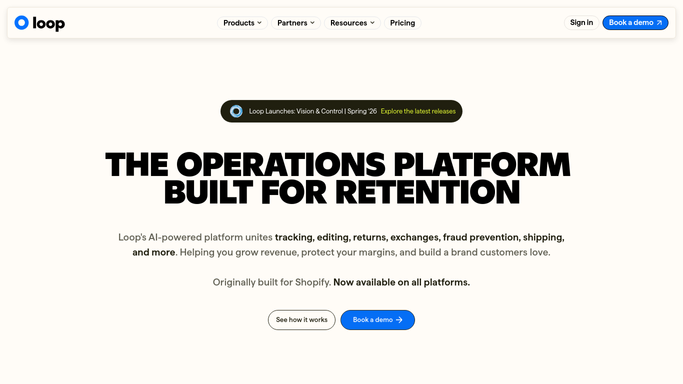

How do I automatically track and report return reasons each week?
WebRun opens Loop Returns every Monday, collects every return reason from the past seven days, ranks them by volume and SKU, and posts a concise trend digest to Slack. Spikes of more than 20 percent week-over-week are flagged automatically, giving your team the signal to act before a product issue compounds.
- Top return reasons ranked by volume land in Slack every Monday
- Week-over-week spikes are flagged before they compound into larger losses
- No manual Loop Returns export or spreadsheet work needed
Built for ecommerce brands · DTC retailers · Shopify merchants · operations teams
How is each run configured?
Secure by default
Connect once, stays signed in
WebRun signs in once and keeps each session in a persistent environment, so every run picks up right where it left off.
Every action is checked against this policy before it runs.
Questions, answered
Does it send anything to customers?
No. WebRun only posts an internal Slack digest for your team. It never contacts customers or sends external messages on its own.
How far back does each run look?
Each Monday run covers the previous seven days, so the digest always reflects the most recent full week of return data from Loop Returns.
Can I see spikes, not just totals?
Yes. WebRun flags any return reason that grew more than 20 percent week-over-week so you can quickly spot emerging product or sizing problems.
Related templates
Put this on autopilot.
Turn it on in minutes - or have our team set it up for you.