Automated Resource Guru Double-Booking Alerts
Every morning, WebRun opens Resource Guru, checks this week's bookings for overlapping time on the same resource, exports the full schedule to Google Drive, and alerts your team in Slack for every conflict found.
How do I catch double-bookings in Resource Guru before they happen?
WebRun checks Resource Guru every morning for bookings that overlap on the same resource, exports the full week's schedule to Google Drive, and alerts your team in Slack for every conflict found, naming the resource and both bookings. Double-bookings surface before the week starts, not when two people show up for the same room.
- Booking conflicts get caught before the week starts
- The full schedule stays backed up outside Resource Guru every day
- Conflict-free days generate no unnecessary Slack alert
Built for operations managers · studio managers · facilities coordinators · agency resource planners
What does WebRun do on every run?
The exact actions WebRun takes, in order - in plain language, so you can adjust anything.
-
WebRun signs in and gets to work
Opens
app.resourceguru.comin a real browser with your saved login - no setup, no API keys. -
1
Resource Guru - check for booking conflicts
resourceguru.com
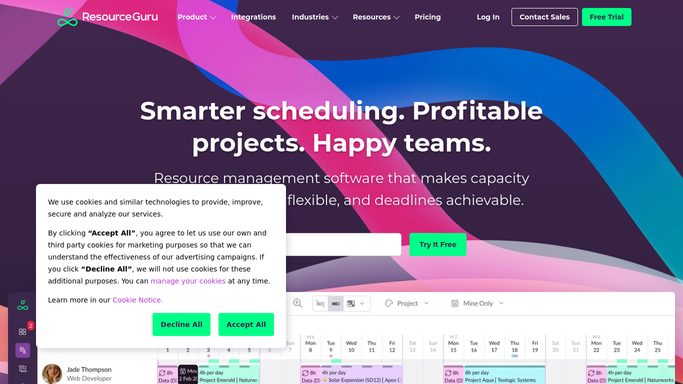
WebRun opens Resource Guru to check for booking conflicts. - Open Resource Guru and check this week's bookings for overlapping time on the same resource
- Note which resource, which two bookings, and who booked each
- Flag anyone booked past their available hours
Done when Every booking conflict this week is listed with the resource and both bookings.
-
2
Google Drive - export the week's schedule
drive.google.com

WebRun opens Google Drive to export the week's schedule. - Export this week's full booking schedule to a file
- Save it in the team's Resource Guru schedule folder in Google Drive
- Replace last week's file, keep the rest
Done when This week's schedule is exported to Google Drive.
-
3
Slack - alert about any clash
slack.com

WebRun opens Slack to alert about any clash. - Post an alert to the team's Slack channel for each booking conflict found
- Name the resource and both bookings competing for it
- Skip this step if there are no conflicts
Done when The team has been alerted to any booking conflict in Slack.
How is each run configured?
Secure by default
Connect once, stays signed in
WebRun signs in once and keeps each session in a persistent environment, so every run picks up right where it left off.
Every action is checked against this policy before it runs.
Questions, answered
Will it cancel or move a conflicting booking?
No. WebRun only reads bookings to find overlaps. It never cancels, moves, or edits a booking, a person still resolves the clash.
Does it check every resource type?
Yes, it checks people, equipment, and rooms alike, so a double-booked meeting room gets caught the same way as a double-booked staff member.
Will Slack get a message even with no conflicts?
No, the alert only posts when a real conflict is found. The Drive export still happens every day regardless.
Related templates
Put this on autopilot.
Turn it on in minutes - or have our team set it up for you.