Catch storage fees before they eat your recovery margin
Every morning, WebRun opens RDN, checks how long each recovered unit has sat in storage, logs the running fee to a Google Sheet, and posts a Slack alert for units nearing your payout or auction threshold.
- No credit card
- Under $0.01 per run
- Cancel anytime
What does WebRun do on every run?
The exact actions WebRun takes, in order - in plain language, so you can adjust anything.
-
WebRun signs in and gets to work
Opens
www.recoverydatabase.netin a real browser with your saved login - no setup, no API keys. -
1
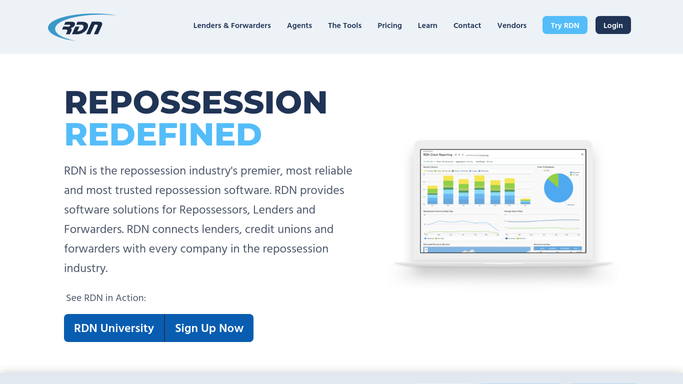
RDN (Recovery Database Network) - check how long each unit has been in storage
recoverydatabase.net How to Automate RDN (Recovery Database Network)

WebRun opens RDN (Recovery Database Network) to check how long each unit has been in storage. - Open RDN and list every unit currently in storage
- Calculate days in storage for each from its recovery date
- Multiply by your daily storage rate to get the running fee
Done when Every stored unit has a days in storage count and a running fee calculated.
-
2
Google Sheets - log the running fee
google.com How to Automate Google Sheets
WebRun opens Google Sheets to log the running fee. - Open the storage fee ledger
- Update each unit's row with days in storage and the running fee
- Keep a running history so you can see which units are the most expensive to hold
Done when The ledger reflects every stored unit's current running fee.
-
3
Slack - flag units near threshold
slack.com How to Automate Slack
WebRun opens Slack to flag units near threshold. - Post a flag for any unit approaching your set fee or days threshold
- Sort by running fee so the most expensive units show first
- Note which units are also nearing a redemption or auction deadline
Done when Your team has a sorted list of the storage units costing the most to hold.


How do I track storage fees accruing on recovered vehicles?
WebRun checks RDN every morning for every unit sitting in storage, calculates the days held and the running fee at your daily rate, and logs it to a Google Sheet ledger. It then posts a Slack flag for units nearing your cost or days threshold, sorted by fee, so the most expensive units to hold get resolved first.
- The most expensive units to hold get flagged before the fee balloons
- A running ledger shows the true storage cost of every unit
- Redemption and auction deadlines stay visible alongside the fee
Built for repossession agency owners · storage yard managers · operations managers
How is each run configured?
Secure by default
Connect once, stays signed in
WebRun signs in once and keeps each session in a persistent environment, so every run picks up right where it left off.
Every action is checked against this policy before it runs.
Questions, answered
Does it release or auction the vehicle automatically?
No. It only tracks and flags the running storage fee. Any decision to release, transport to auction, or otherwise act on a unit stays with your team.
How is the daily storage rate set?
You give WebRun your agency's daily storage rate when you turn this on. It multiplies that rate by the days each unit has sat to get the running fee, and you can update the rate any time.
Does this account for state redemption or lien sale deadlines?
It flags days in storage and cost, and notes if a unit is also nearing a deadline you've logged, but it does not calculate state specific legal deadlines on its own. Confirm those dates against your state's requirements.
Related templates
Put this on autopilot.
Turn it on in minutes - or have our team set it up for you.