Chase agents for overdue RDN status updates
Every few hours, WebRun opens RDN, finds in-progress assignments with no recent note, texts the assigned agent a direct nudge over Twilio, and posts a Slack list of who is behind for the office manager.
- No credit card
- Under $0.01 per run
- Cancel anytime
What does WebRun do on every run?
The exact actions WebRun takes, in order - in plain language, so you can adjust anything.
-
WebRun signs in and gets to work
Opens
www.recoverydatabase.netin a real browser with your saved login - no setup, no API keys. -
1
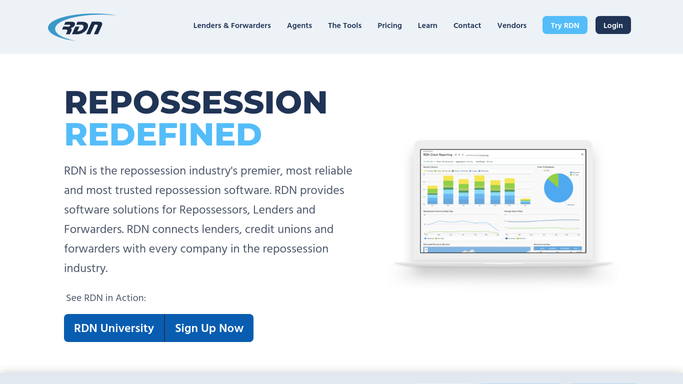
RDN (Recovery Database Network) - find quiet in-progress assignments
recoverydatabase.net How to Automate RDN (Recovery Database Network)

WebRun opens RDN (Recovery Database Network) to find quiet in-progress assignments. - Open RDN and filter assignments to in progress
- Check the last note or status update timestamp on each
- Flag any assignment with no update in longer than your set window
Done when Every in-progress assignment has a checked last-update time and a flag if overdue.
-
2
Twilio - nudge the agent directly
twilio.com How to Automate Twilio
WebRun opens Twilio to nudge the agent directly. - Text the assigned agent a reminder naming the flagged assignment
- Ask them to post a fresh status note in RDN
- Note the time the reminder went out
Done when Every overdue assignment's agent has been texted a direct reminder.
-
3
Slack - alert the office who's behind
slack.com How to Automate Slack
WebRun opens Slack to alert the office who's behind. - Post the office manager a list of agents with overdue assignments
- Sort by how long each has gone without an update
- Mark any agent who is repeatedly behind
Done when The office manager has today's list of who is behind and by how long.


How do I remind repo agents to keep RDN assignment updates current?
WebRun checks RDN every few hours for in-progress assignments that have gone quiet, texts the assigned agent a direct nudge over Twilio to post a fresh update, and posts your office manager a Slack list of who is behind and for how long, so no case goes stale from a missed note.
- Agents get a direct nudge before a case goes fully stale
- Office managers see who is behind on updates every few hours
- Lender facing status stays current without a manual check
Built for repossession agencies · recovery agents in the field · office managers · dispatch teams
How is each run configured?
Secure by default
Connect once, stays signed in
WebRun signs in once and keeps each session in a persistent environment, so every run picks up right where it left off.
Every action is checked against this policy before it runs.
Questions, answered
Does it text agents automatically?
Yes. This is an internal reminder to your own field agent about a work assignment, not a customer message, so it sends right away without waiting on review.
How long before an assignment counts as overdue?
You set the window, most agencies use 24 or 48 hours without a new note. WebRun checks each assignment's last update time against that window every run.
Can it tell the difference between a hard case and a lazy update?
No, it only reads the timestamp of the last note in RDN. It flags silence, not effort, so a genuinely difficult case still needs a quick note from the agent to stay off the list.
Related templates
Put this on autopilot.
Turn it on in minutes - or have our team set it up for you.