Start the day with yesterday's recovery count
Every morning, WebRun opens RDN, counts the prior day's recoveries by agent and branch, and posts your team a Slack digest of the total.
- No credit card
- Under $0.01 per run
- Cancel anytime
What does WebRun do on every run?
The exact actions WebRun takes, in order - in plain language, so you can adjust anything.
-
WebRun signs in and gets to work
Opens
www.recoverydatabase.netin a real browser with your saved login - no setup, no API keys. -
1
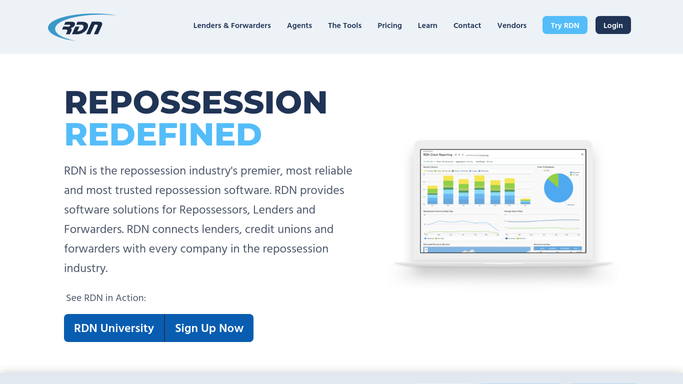
RDN (Recovery Database Network) - count yesterday's recoveries
recoverydatabase.net How to Automate RDN (Recovery Database Network)

WebRun opens RDN (Recovery Database Network) to count yesterday's recoveries. - Open RDN and pull every unit marked recovered in the prior day
- Group the count by agent and by branch or territory
- Compare the total against the same day last week for context
Done when Yesterday's full recovery count is tallied by agent and branch.
-
2
Slack - post the daily digest
slack.com How to Automate Slack
WebRun opens Slack to post the daily digest. - Post the total recovery count to your team's channel
- Break it down by agent so top performers are visible
- Note the change against the same day last week
Done when Your team starts the day with yesterday's recovery count and context.

How do I see a daily recovery count across all my repo agents?
WebRun opens RDN every morning and counts the prior day's recoveries, grouped by agent and by branch, then posts your team a Slack digest with the total, the per agent breakdown, and how it compares to the same day last week, so everyone starts the day knowing exactly how many units came in and who brought them.
- The team sees yesterday's total before the day even starts
- Per agent counts make top performers visible daily, not just monthly
- Week over week context flags a slow day before it becomes a slow month
Built for repossession agency owners · operations managers · branch managers
How is each run configured?
Secure by default
Connect once, stays signed in
WebRun signs in once and keeps each session in a persistent environment, so every run picks up right where it left off.
Every action is checked against this policy before it runs.
Questions, answered
Does the count include cancelled or reassigned units?
No. It only counts units RDN shows as recovered as of the prior day, so a cancelled order or a reassignment to another agent does not inflate anyone's number.
Can it split the count by branch instead of just agent?
Yes. If your agency runs more than one branch or territory in RDN, WebRun groups the count both ways so you can see totals per agent and per location in the same digest.
What if RDN is updated late and a recovery posts after the digest runs?
It shows up in the next morning's count. WebRun always counts what RDN shows as of that run, so a late entry is picked up the following day rather than missed.
Related templates
Put this on autopilot.
Turn it on in minutes - or have our team set it up for you.