Get every completed recovery invoiced on time
Every morning, WebRun opens RDN, finds recoveries ready to invoice, drafts the invoice details in a Google Sheet queue, and posts your billing team a Slack reminder so nothing misses the billing window.
- No credit card
- Under $0.01 per run
- Cancel anytime
What does WebRun do on every run?
The exact actions WebRun takes, in order - in plain language, so you can adjust anything.
-
WebRun signs in and gets to work
Opens
www.recoverydatabase.netin a real browser with your saved login - no setup, no API keys. -
1
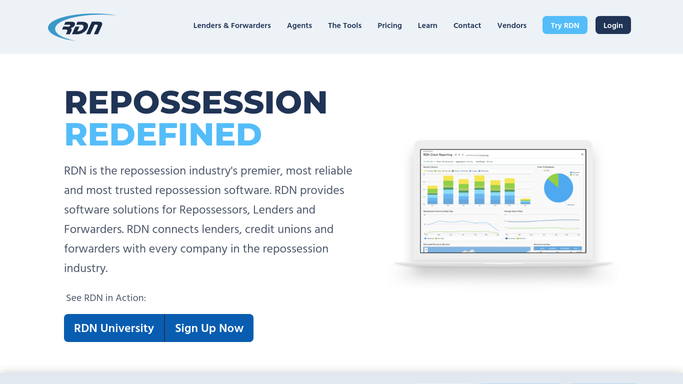
RDN (Recovery Database Network) - find recoveries ready to invoice
recoverydatabase.net How to Automate RDN (Recovery Database Network)

WebRun opens RDN (Recovery Database Network) to find recoveries ready to invoice. - Open RDN and find recoveries confirmed complete but not yet invoiced
- Capture the lienholder or forwarding company, recovery fee, and any storage or mileage add ons
- Check each one's billing window against its recovery date
Done when Every completed, uninvoiced recovery has its billing details captured and its window checked.
-
2
Google Sheets - log the invoice queue
google.com How to Automate Google Sheets
WebRun opens Google Sheets to log the invoice queue. - Open the invoice queue
- Draft a row for each recovery with the lienholder, fee, add ons, and days left in the billing window
- Mark it submitted once your billing team confirms it's gone out
Done when The invoice queue shows every recovery ready to bill and its draft details.
-
3
Slack - remind billing before the window closes
slack.com How to Automate Slack
WebRun opens Slack to remind billing before the window closes. - Post your billing team a reminder of what's in the queue, soonest deadline first
- Flag any recovery within 2 days of its billing window closing
- Leave the actual submission into RDN or your accounting system for your billing team
Done when Billing has a prioritized reminder and nothing is submitted without their review.


How do I make sure every completed recovery gets invoiced before the deadline?
WebRun checks RDN every morning for recoveries confirmed complete but not yet invoiced, drafts each one's fee and billing details into a Google Sheet queue, and posts your billing team a Slack reminder sorted by how close each is to its submission deadline. The actual invoice submission always stays with your billing team for review.
- No completed recovery misses its lender's billing window
- Billing gets a prioritized reminder instead of a flat list
- Every invoice still gets a human review before it's submitted
Built for repossession agency billing staff · office managers · agency owners
How is each run configured?
Secure by default
Connect once, stays signed in
WebRun signs in once and keeps each session in a persistent environment, so every run picks up right where it left off.
Every action is checked against this policy before it runs.
Questions, answered
Does it submit the invoice to the lender on its own?
No. It drafts the invoice details in the queue and reminds your billing team, but submitting the invoice into RDN or your accounting system is always a step a person takes. Nothing gets filed without review.
How does it know the billing window for each lender?
You set the typical submission window when you turn this on, commonly 5 to 10 business days after recovery. WebRun checks each recovery's date against that window and flags the ones running close.
What if a recovery fee needs adjusting before billing?
The queue is a draft, not a final invoice. Your billing team can correct the fee or add ons before submitting, and WebRun only reflects whatever RDN shows on the next run.
Related templates
Put this on autopilot.
Turn it on in minutes - or have our team set it up for you.