Automated Redis Database Health Reports
Every Monday, WebRun opens your Redis Cloud console, walks each database, records memory used against the plan, connection counts, operations per second, and latency, compares them with last week, creates a Trello card for anything drifting the wrong way, and posts the whole scorecard to your engineering WhatsApp group.
How do I get a weekly health report on my Redis databases?
WebRun opens your Redis Cloud console every Monday and records memory, connections, throughput, and latency for each database, comparing them with last week. It cards anything drifting the wrong way in Trello and posts the full scorecard to your engineering WhatsApp group, so capacity problems are seen a week early.
- Capacity drift is visible a week before it becomes an incident
- Every database needing work has exactly one Trello card
- The whole estate is reviewed weekly without anyone opening the console
Built for platform engineers · SRE teams · backend developers · engineering managers
What does WebRun do on every run?
The exact actions WebRun takes, in order - in plain language, so you can adjust anything.
-
WebRun signs in and gets to work
Opens
cloud.redis.ioin a real browser with your saved login - no setup, no API keys. -
1
Redis - record each database's numbers
redis.io
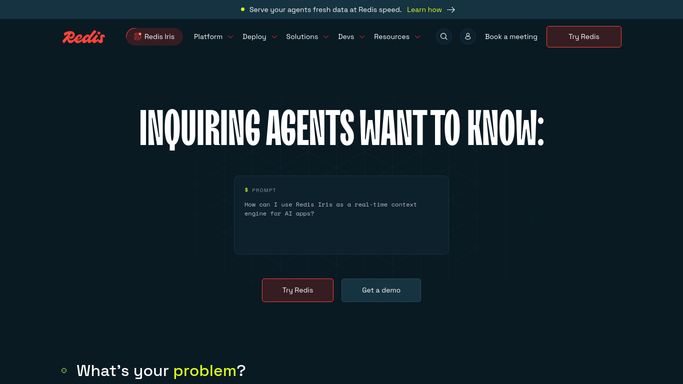
WebRun opens Redis to record each database's numbers. - Open the Redis Cloud console and list every database in your subscriptions
- For each one, record memory used against the plan limit, connection count, operations per second, and latency
- Note the persistence and replication settings so a database without them stands out
- Compare each figure with the value captured last week and mark the direction of travel
Done when Every database has this week's numbers and a week-on-week comparison.
-
2
Trello - card what needs work
trello.com

WebRun opens Trello to card what needs work. - Create a Trello card for any database drifting toward its plan limit or losing headroom week on week
- Card any database with persistence or replication switched off
- Put the metric, the current value, and last week's value in the description so the card explains itself
- Skip anything already carded and still open so the board does not fill with duplicates
Done when Every database needing attention has exactly one open Trello card.
-
3
WhatsApp - post the weekly scorecard
whatsapp.com

WebRun opens WhatsApp to post the weekly scorecard. - Post the full scorecard to your engineering WhatsApp group
- Lead with the count of databases that are healthy and the count that need work
- List the movers, biggest change first, with the metric that moved
- Keep it short enough to read on a phone without scrolling twice
Done when The engineering group has this week's Redis scorecard.
How is each run configured?
Secure by default
Connect once, stays signed in
WebRun signs in once and keeps each session in a persistent environment, so every run picks up right where it left off.
Every action is checked against this policy before it runs.
Questions, answered
Can it resize a database or change my plan?
No. WebRun only reads the metrics shown in the Redis Cloud console. It never resizes a database, changes a plan, flushes data, or edits a configuration. Every change stays a human decision.
Does it run any commands against my data?
No. Shell access is blocked by the Strict Lockdown policy and WebRun never connects to a database directly. It reads the console pages you would read yourself and nothing more.
What if nothing needs attention this week?
You still get the scorecard in WhatsApp with the healthy count, and no Trello cards are created. A quiet week produces a short post rather than silence.
Related templates
Put this on autopilot.
Turn it on in minutes - or have our team set it up for you.