Remind staff to return checked out equipment
Every morning, WebRun checks Studio Hero's equipment checkout list for anything due back today or already overdue, updates a Google Sheets checkout log with the current status, and sends the engineer or staff member holding the gear a WhatsApp reminder.
- No credit card
- Under $0.01 per run
- Cancel anytime
What does WebRun do on every run?
The exact actions WebRun takes, in order - in plain language, so you can adjust anything.
-
WebRun signs in and gets to work
Opens
thestudiohero.comin a real browser with your saved login - no setup, no API keys. -
1
Studio Hero - find gear due back today
thestudiohero.com How to Automate Studio Hero

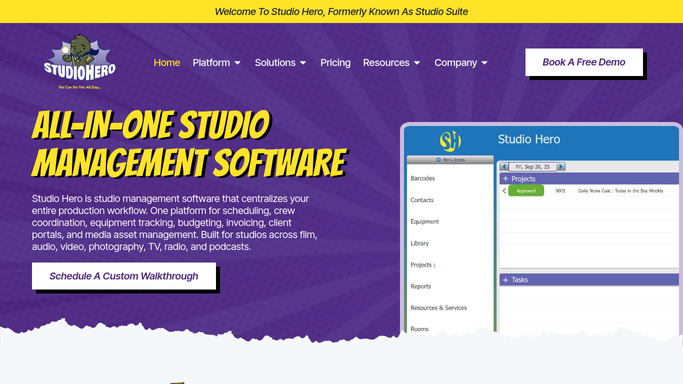
WebRun opens Studio Hero to find gear due back today. - Open Studio Hero and check the equipment checkout list
- Capture any item due back today or already overdue, with who checked it out
- Note which session or booking the gear is tied to
Done when Every item due back or overdue this run is captured with its holder.
-
2
Google Sheets - update the checkout log
google.com How to Automate Google Sheets
WebRun opens Google Sheets to update the checkout log. - Update the checkout log with the current status of each item
- Mark items as Due Today or Overdue
- Mark an item returned once Studio Hero shows it checked back in
Done when The checkout log reflects the true status of every tracked item.
-
3
WhatsApp - remind whoever has the gear
whatsapp.com How to Automate WhatsApp
WebRun opens WhatsApp to remind whoever has the gear. - Message whoever has the gear checked out with the item name and due date
- Send it directly. This is an internal staff reminder, not a customer message
Done when Every engineer or staff member with overdue or due-today gear has been reminded.


How do I remind staff to return studio equipment on time?
WebRun checks Studio Hero's equipment log every morning for gear due back today or already overdue, updates a Google Sheets checkout log, and sends the engineer or staff member holding it a WhatsApp reminder naming the item and the session it belongs to. Because it's an internal reminder, not a customer message, WebRun sends it automatically without review.
- Overdue gear gets flagged the same morning it's due
- Fewer missing mics and cables at the next session
- A full checkout log without manual spreadsheet updates
Built for recording studios · studio managers · audio engineers · equipment rental desks
How is each run configured?
Secure by default
Connect once, stays signed in
WebRun signs in once and keeps each session in a persistent environment, so every run picks up right where it left off.
Every action is checked against this policy before it runs.
Questions, answered
Does this remind clients to return anything?
No. It only reminds internal staff and engineers who checked gear out. Clients are never messaged by this workflow.
How does it know an item was returned?
It reads the live checkout status in Studio Hero each run, so anything checked back in drops off the reminder list automatically.
Can it catch gear that's already overdue, not just due today?
Yes. It flags anything already past its due date as Overdue, alongside items due back today, so nothing quietly goes missing.
Related templates
Put this on autopilot.
Turn it on in minutes - or have our team set it up for you.