Run a launch checklist for every new ReadMe API version
Every morning, WebRun opens ReadMe, checks new or draft API versions for missing reference descriptions and changelog entries, posts the checklist status to your developer relations Teams channel, and books a publish review on Google Calendar once it's complete.
- No credit card
- Under $0.01 per run
- Cancel anytime
How do I run a launch checklist for a new ReadMe API version?
WebRun checks ReadMe every morning for new or draft API versions, reports what's missing from the launch checklist to your developer relations Teams channel, and books a publish review on Google Calendar once everything is complete. Nothing gets marked ready to ship until the documentation genuinely is.
- Nothing publishes with an incomplete checklist
- Doc owners see exactly what's missing every morning
- Publish reviews only get booked once the work is done
Built for developer relations · API teams · technical writers · platform engineering
What does WebRun do on every run?
The exact actions WebRun takes, in order - in plain language, so you can adjust anything.
-
WebRun signs in and gets to work
Opens
dash.readme.comin a real browser with your saved login - no setup, no API keys. -
1
ReadMe - find new or draft API versions
readme.com
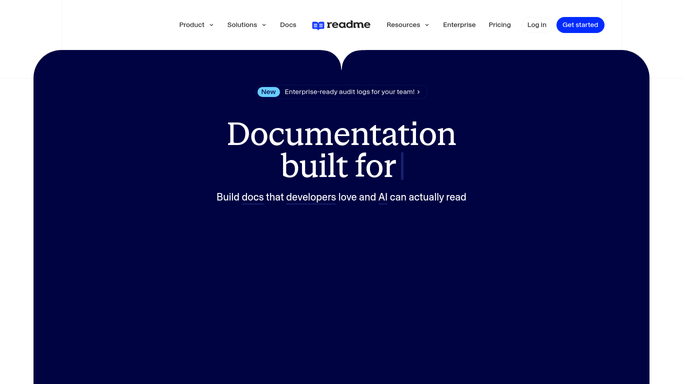
WebRun opens ReadMe to find new or draft API versions. - Open ReadMe and check for new or draft API versions and unpublished changelog entries
- Note which reference pages and guides are missing a description
- List what's still incomplete before publishing
Done when Every new API version's launch checklist status is captured.
-
2
Microsoft Teams - confirm the checklist with the team
microsoft.com How to Automate Microsoft Teams

WebRun opens Microsoft Teams to confirm the checklist with the team. - Post the checklist status to the developer relations Teams channel
- List what's done and what's still missing
- Tag the doc owner for anything incomplete
Done when The team has the current launch checklist status in Teams.
-
3
Google Calendar - schedule the publish review
calendar.google.com How to Automate Google Calendar

WebRun opens Google Calendar to schedule the publish review. - Book a publish review slot once the checklist looks complete
- Title it with the API version number
- Leave it off the calendar if items are still missing
Done when A publish review is scheduled once the checklist is complete.
How is each run configured?
Secure by default
Connect once, stays signed in
WebRun signs in once and keeps each session in a persistent environment, so every run picks up right where it left off.
Every action is checked against this policy before it runs.
Questions, answered
Will it publish a new API version on its own?
No. WebRun only checks the checklist and reports status. Publishing a version is a draft-not-do step your team confirms in ReadMe.
What does it check for completeness?
It looks for missing descriptions on reference pages and guides, and whether the changelog entry for the version is filled in.
What if the checklist is never fully complete?
No publish review gets booked until it is. The Teams post keeps showing what's still missing so it doesn't get forgotten.
Related templates
Put this on autopilot.
Turn it on in minutes - or have our team set it up for you.