Chase down missing Range check-ins
Every morning, WebRun opens Range, checks who has and hasn't submitted today's check-in, creates a Trello card for any blocker raised, and messages the team in Microsoft Teams with a reminder.
- No credit card
- Under $0.01 per run
- Cancel anytime
How do I chase missing Range check-ins automatically?
WebRun checks Range every morning for who hasn't submitted a check-in, creates a Trello card for any blocker raised in today's check-ins, and messages the team in Microsoft Teams with a friendly reminder. Missing check-ins and raised blockers both surface the same morning, instead of getting noticed days later.
- Missing check-ins get a friendly nudge the same morning
- Raised blockers become tracked Trello cards instead of buried text
- Nobody has to manually scan check-ins for who needs help
Built for team leads · remote teams · engineering managers · distributed teams
What does WebRun do on every run?
The exact actions WebRun takes, in order - in plain language, so you can adjust anything.
-
WebRun signs in and gets to work
Opens
range.coin a real browser with your saved login - no setup, no API keys. -
1
Range - find who hasn't checked in
range.co
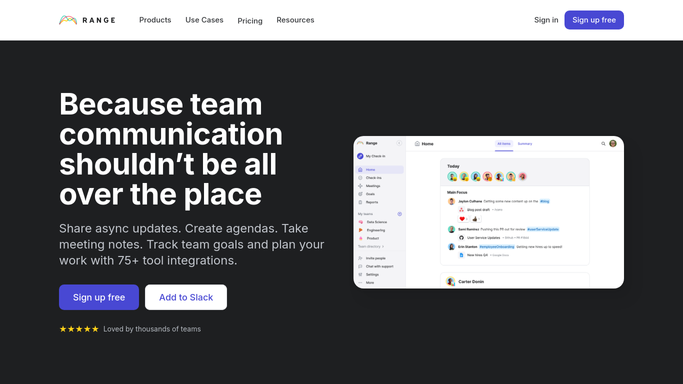
WebRun opens Range to find who hasn't checked in. - Open Range and check who has submitted today's check-in
- Note who hasn't checked in yet
- Read submitted check-ins for any raised blockers
Done when Everyone's check-in status and any raised blockers are captured.
-
2
Trello - log a blocker card if one's raised
trello.com How to Automate Trello

WebRun opens Trello to log a blocker card if one's raised. - Create a card for each blocker raised in today's check-ins
- Assign it to the person who can help unblock it
- Link back to the check-in it came from
Done when Every raised blocker has a Trello card.
-
3
Microsoft Teams - remind the team to check in
microsoft.com How to Automate Microsoft Teams

WebRun opens Microsoft Teams to remind the team to check in. - Message the team a reminder naming who hasn't checked in yet
- Note the new blocker cards created
- Keep the reminder friendly, not a callout
Done when The team has a check-in reminder in Teams.
How is each run configured?
Secure by default
Connect once, stays signed in
WebRun signs in once and keeps each session in a persistent environment, so every run picks up right where it left off.
Every action is checked against this policy before it runs.
Questions, answered
Will it check in on someone's behalf?
No. WebRun only reads who has submitted a check-in. It never fills one out or submits it for someone.
Does it call out individuals publicly?
The Teams reminder names who hasn't checked in yet, kept as a friendly nudge rather than a callout, so you can adjust the tone if that doesn't fit your team.
What happens to a blocker once it's resolved?
It reads the live check-in status each morning. Resolving it in Range or closing the Trello card stops it from being raised again.
Related templates
Put this on autopilot.
Turn it on in minutes - or have our team set it up for you.