Get a weekly PushEngage performance scorecard
Every Monday, WebRun opens PushEngage, reads how last week's push campaigns performed including opt-in rate, click rate, and unsubscribes, creates a Trello card logging the scorecard on the growth board, and sends a short WhatsApp digest to the growth owner naming the best and worst performing campaign.
- No credit card
- Under $0.01 per run
- Cancel anytime
How do I track PushEngage push campaign performance every week?
Every Monday, WebRun reads how last week's PushEngage push campaigns performed, including opt-in rate, click rate, and unsubscribes, logs a scorecard to a Trello card on the growth board, and sends a short WhatsApp digest naming the best and worst performer. The growth owner starts the week already knowing what is working.
- Push campaign performance gets reviewed every week without fail
- A running Trello history shows opt-in and click trends
- The growth owner sees the week's results before Monday planning
Built for growth marketers · ecommerce marketers · content publishers · marketing operations
What does WebRun do on every run?
The exact actions WebRun takes, in order - in plain language, so you can adjust anything.
-
WebRun signs in and gets to work
Opens
app.pushengage.comin a real browser with your saved login - no setup, no API keys. -
1
PushEngage - read push campaign performance
pushengage.com
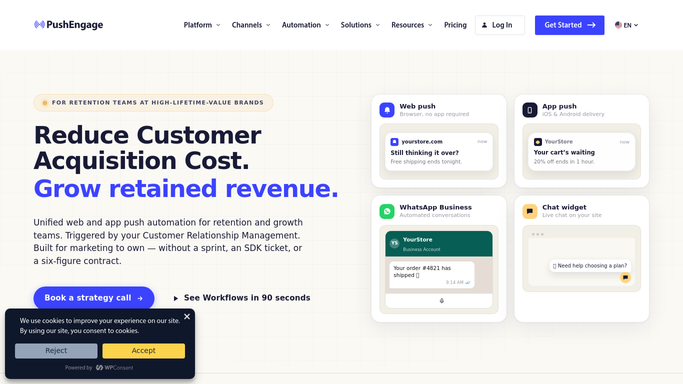
WebRun opens PushEngage to read push campaign performance. - Open PushEngage and review last week's push campaigns
- Read the opt-in rate, click rate, and unsubscribes for each
- Capture the numbers per campaign
Done when Every push campaign from the past week has its numbers captured.
-
2
Trello - log the weekly scorecard
trello.com How to Automate Trello

WebRun opens Trello to log the weekly scorecard. - Create a Trello card on the growth board with this week's scorecard
- List each campaign with its opt-in and click rate
- Keep prior weeks' cards in place for comparison
Done when A Trello card logs this week's push performance scorecard.
-
3
WhatsApp - send the digest
whatsapp.com How to Automate WhatsApp

WebRun opens WhatsApp to send the digest. - Send a short WhatsApp digest to the growth owner
- Name the best and worst performing campaign
- Include the overall opt-in rate for the week
Done when The growth owner has this week's digest in WhatsApp.
How is each run configured?
Secure by default
Connect once, stays signed in
WebRun signs in once and keeps each session in a persistent environment, so every run picks up right where it left off.
Every action is checked against this policy before it runs.
Questions, answered
Does it send or pause any push campaigns?
No. WebRun only reads how campaigns already performed and reports on them. Sending or pausing a campaign stays with the growth team.
Where can I compare performance over several weeks?
On the Trello board, where each week's card stays in place so opt-in and click trends are visible at a glance.
Who gets the WhatsApp digest?
Only the growth owner set up during onboarding. It is an internal summary, never a message to subscribers.
Related templates
Put this on autopilot.
Turn it on in minutes - or have our team set it up for you.