Give every server a clear daily route digest before they leave the office
Every morning, WebRun opens ServeManager, pulls each active server's assigned jobs for the day, groups them by geographic zone using your routing sheet in Google Sheets, and posts each server a personalized Slack message with their ordered job list including addresses and any special instructions. Servers leave with a clear, optimized route.
- No credit card
- Under $0.01 per run
- Cancel anytime
What does WebRun do on every run?
The exact actions WebRun takes, in order - in plain language, so you can adjust anything.
-
WebRun signs in and gets to work
Opens
www.servemanager.comin a real browser with your saved login - no setup, no API keys. -
1
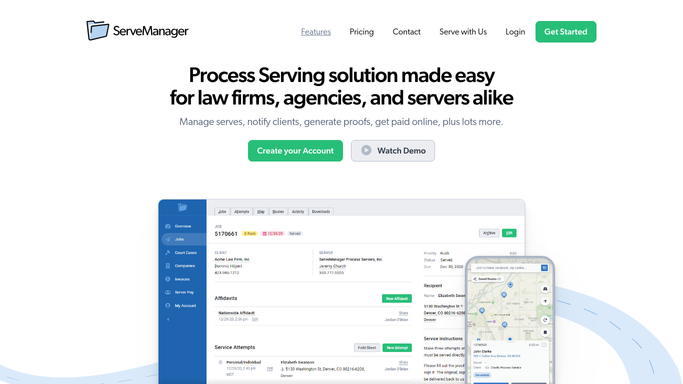
ServeManager - pull assigned jobs per server
servemanager.com How to Automate ServeManager

WebRun opens ServeManager to pull assigned jobs per server. - Open ServeManager and filter jobs to today's active assignments
- Group jobs by assigned server
- For each job, capture job number, defendant name, service address, job type, and any special instructions or rush flag
Done when Every server has a list of their assigned jobs for today with full address and instruction detail.
-
2
Google Sheets - group by zone for route order
google.com How to Automate Google Sheets
WebRun opens Google Sheets to group by zone for route order. - Open the Zone Routing sheet
- Match each job address to its zone cluster
- Order each server's jobs by zone cluster to minimize drive time
Done when Each server's job list is sorted into an efficient geographic route order.
-
3
Slack - post digest to each server
slack.com How to Automate Slack
WebRun opens Slack to post digest to each server. - Post a personalized digest to each server's Slack direct message
- List jobs in route order: job number, defendant name, address, job type, and any special notes
- Flag rush or time-sensitive jobs at the top
- Include a job count summary: X jobs today in Y zones
Done when Every active server has received their ordered daily route digest in Slack.


How do I automatically send process servers a daily assignment and route digest?
WebRun pulls each server's assigned jobs from ServeManager every morning, groups them by geographic zone using your routing sheet in Google Sheets, and posts a personalized, route-ordered job digest to each server in Slack. Rush jobs surface at the top so every server leaves the office with a clear, efficient daily route.
- Every server starts the day with a clear, geographically ordered job list
- Rush jobs surface at the top of every digest automatically
- Dispatch spends no time manually building route lists each morning
Built for process serving companies · legal support firms · field process servers · dispatch managers
How is each run configured?
Secure by default
Connect once, stays signed in
WebRun signs in once and keeps each session in a persistent environment, so every run picks up right where it left off.
Every action is checked against this policy before it runs.
Questions, answered
How does it order the jobs for each server?
It groups jobs by geographic zone using your routing sheet in Google Sheets and orders them to minimize drive time within each zone. You control the zone definitions in the sheet.
What if a server has no jobs assigned for the day?
WebRun skips that server entirely and sends no Slack message. Only servers with active assignments receive a digest.
Can I add custom notes or instructions to the digest?
Yes. Any special instructions logged on the job in ServeManager are included in the digest entry for that job automatically.
Related templates
Put this on autopilot.
Turn it on in minutes - or have our team set it up for you.