Spot broken bank connections the same day
Every morning, WebRun signs into the Plaid dashboard, finds the items sitting in an error state or needing the user to re-authenticate, saves a dated report into Google Drive, and queues a short Twilio text per affected user asking them to reconnect, held unsent until your team approves it.
- No credit card
- Under $0.01 per run
- Cancel anytime
How do I find Plaid bank connections that have stopped working?
WebRun checks your Plaid dashboard every morning for items in an error state or needing re-authentication, grouping them by institution to separate outages from one-off breakages. It files a dated report in Google Drive and queues a Twilio re-link text per affected user, held unsent until your team approves it.
- Broken connections surface the same day, not at month end
- Bank-wide outages are told apart from single-user breakages
- No user is texted without a human approving the message
Built for fintech operations · product teams · lending platforms · personal finance apps
What does WebRun do on every run?
The exact actions WebRun takes, in order - in plain language, so you can adjust anything.
-
WebRun signs in and gets to work
Opens
dashboard.plaid.comin a real browser with your saved login - no setup, no API keys. -
1
Plaid - find items in an error state
plaid.com
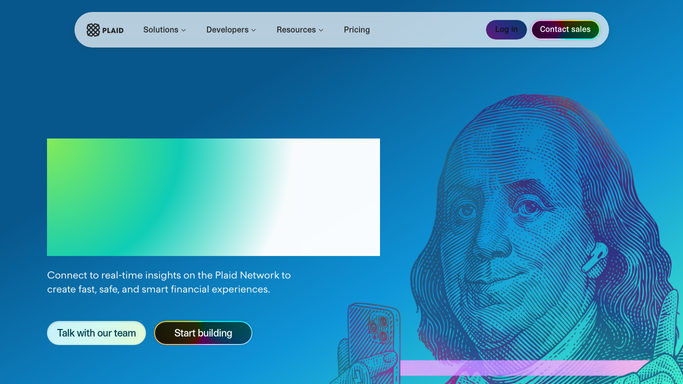
WebRun opens Plaid to find items in an error state. - Sign in to the Plaid dashboard and open your items view
- Capture every item in an error state or flagged as needing re-authentication
- Note the institution, the error type, and how long the item has been failing
- Group the list by institution so a bank-wide outage is obvious
- Read only. Never remove an item or change an integration setting
Done when Every failing item is listed with its institution, error, and age.
-
2
Google Drive - file the daily report
drive.google.com How to Automate Google Drive

WebRun opens Google Drive to file the daily report. - Open your connection health folder in Google Drive
- Save today's dated report listing every failing item with its error and age
- Add the per-institution counts so a widespread outage is separated from one-off breakages
- Keep the previous day's report so the trend is readable
Done when Today's connection health report is filed in Google Drive.
-
3
Twilio - queue the re-link texts
twilio.com How to Automate Twilio

WebRun opens Twilio to queue the re-link texts. - Draft a short text per affected user asking them to reconnect their bank, with your re-link URL
- Queue every message for review rather than sending it
- Hold the queue until a human approves and releases it. Nothing goes to a user unapproved
- Skip anyone already texted about the same item this week
- Skip the queue entirely when the failure is a bank-wide outage and reconnecting would not help
Done when A re-link text is queued and unsent for every user whose connection needs them.
How is each run configured?
Secure by default
Connect once, stays signed in
WebRun signs in once and keeps each session in a persistent environment, so every run picks up right where it left off.
Every action is checked against this policy before it runs.
Questions, answered
Will it text my users without approval?
No. Every re-link message is queued in Twilio and held. A human reads the list and releases it, so nothing reaches a user until your team approves the wording and the recipients.
Does it change anything inside Plaid?
No. The run is read-only in the Plaid dashboard. WebRun never removes an item, rotates a key, or edits an integration setting. It only reports what it finds.
What about a bank-wide outage?
It groups failures by institution first. When one bank is failing across many users, it flags the outage in the report and skips the text queue, because reconnecting will not fix it.
Related templates
Put this on autopilot.
Turn it on in minutes - or have our team set it up for you.