Chase leave requests stuck waiting in PeopleHR
Every morning, WebRun opens PeopleHR, finds leave requests that have waited for approval past your threshold, logs each one to a Notion tracker, and exports the full list to Google Sheets so the HR manager can clear the backlog.
- No credit card
- Under $0.01 per run
- Cancel anytime
What does WebRun do on every run?
The exact actions WebRun takes, in order - in plain language, so you can adjust anything.
-
WebRun signs in and gets to work
Opens
peoplehr.comin a real browser with your saved login - no setup, no API keys. -
1
PeopleHR - find pending leave requests
peoplehr.com

WebRun opens PeopleHR to find pending leave requests. - Open PeopleHR and pull leave requests awaiting approval
- Calculate how long each has waited
- Flag anything past your approval-time threshold
Done when Every pending leave request has a wait time calculated.
-
2
Notion - log each pending request
notion.so How to Automate Notion
WebRun opens Notion to log each pending request. - Add or update a tracker entry for each pending request
- Record the employee, dates requested, and approving manager
- Mark entries cleared once approved in PeopleHR
Done when Every pending request has a current Notion entry.
-
3
Google Sheets - export the approval backlog
google.com How to Automate Google Sheets
WebRun opens Google Sheets to export the approval backlog. - Export today's approval backlog to the sheet
- Sort by days waiting, longest first
- Group by approving manager
Done when The HR manager has today's backlog in the sheet.
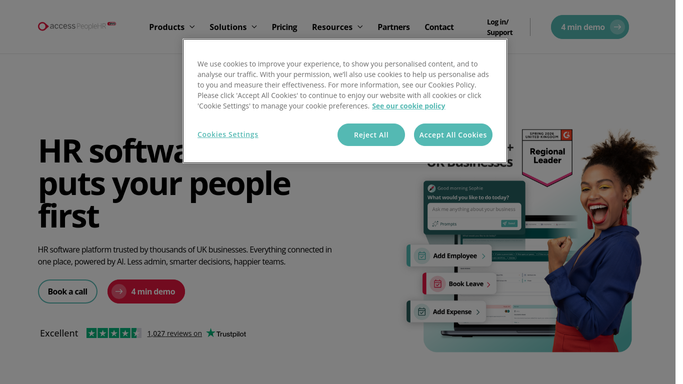


How do I clear a backlog of pending leave requests in PeopleHR?
WebRun checks PeopleHR every morning for leave requests that have waited for approval past your threshold. It logs each one to a Notion tracker and exports the full backlog to Google Sheets sorted by days waiting, so the HR manager can see and clear stuck requests instead of employees chasing approvals themselves.
- Leave request backlogs get cleared instead of forgotten
- Longest-waiting requests always surface first
- Approved requests drop off the list automatically
Built for HR managers · line managers · People operations · UK SMEs
How is each run configured?
Secure by default
Connect once, stays signed in
WebRun signs in once and keeps each session in a persistent environment, so every run picks up right where it left off.
Every action is checked against this policy before it runs.
Questions, answered
Does it approve the leave requests?
No. WebRun only tracks and lists what's pending. Approving or declining a request stays a decision the manager makes in PeopleHR.
Does it contact the employee waiting on approval?
No, the tracker and export are internal to HR. WebRun never messages the employee about their pending request.
What happens once a request is approved?
It reads the live status in PeopleHR each morning, so an approved request is marked cleared and drops off the backlog automatically.
Related templates
Put this on autopilot.
Turn it on in minutes - or have our team set it up for you.