Automated PDFfiller Signature Chasing
Every morning, WebRun opens PDFfiller, reviews every signature request that is still waiting on a signer, drafts a polite reminder email in Gmail for each one, and posts your team a short Slack list of which documents are still outstanding and how long they have been sitting.
How do I automatically chase unsigned PDFfiller documents?
WebRun opens PDFfiller every morning, finds signature requests still waiting on a signer, and drafts a polite reminder in Gmail for each one. It then posts your team a Slack list of outstanding documents sorted oldest first, so stalled paperwork gets chased before it goes cold.
- No signature request sits unchased for more than a day
- Reminder drafts are written for you, ready to review and send
- Your team sees the oldest stalled documents first every morning
Built for small law firms · HR teams · real estate brokers · operations managers
What does WebRun do on every run?
The exact actions WebRun takes, in order - in plain language, so you can adjust anything.
-
WebRun signs in and gets to work
Opens
pdffiller.comin a real browser with your saved login - no setup, no API keys. -
1
PDFfiller - find unsigned requests
pdffiller.com
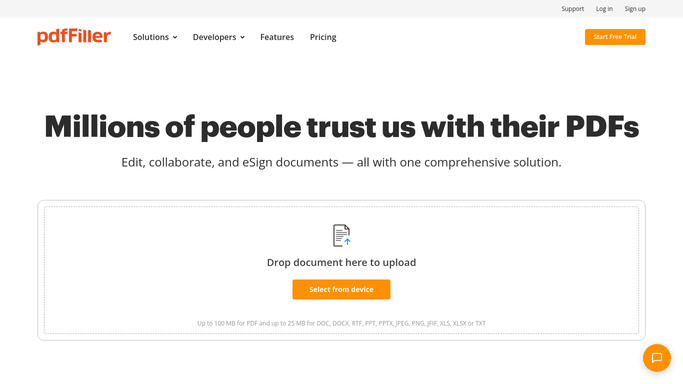
WebRun opens PDFfiller to find unsigned requests. - Open PDFfiller and go to your sent signature requests
- List every request with a status of sent or viewed but not completed
- Capture the document name, each pending signer, and the days since it was sent
- Skip any request already reminded in the last 3 days
Done when Every still-unsigned request is listed with its signer and its age.
-
2
Gmail - draft signer reminders
gmail.com

WebRun opens Gmail to draft signer reminders. - Draft a short, polite reminder in Gmail for each pending signer
- Include the document name, what is needed, and the signing link from PDFfiller
- Leave every reminder in Drafts. WebRun never sends to a signer on its own
- Group multiple documents for the same signer into one draft
Done when A reminder draft is waiting in Gmail for every pending signer.
-
3
Slack - post the outstanding list
slack.com

WebRun opens Slack to post the outstanding list. - Post the outstanding signature list to your operations channel
- Sort it oldest first so the most stalled documents sit at the top
- Note how many reminder drafts are waiting for someone to approve and send
Done when Your team has today's unsigned-document list in Slack.
How is each run configured?
Secure by default
Connect once, stays signed in
WebRun signs in once and keeps each session in a persistent environment, so every run picks up right where it left off.
Every action is checked against this policy before it runs.
Questions, answered
Will it email signers without my approval?
No. Every reminder is left as a Gmail draft for a human to read and send. WebRun writes the message and stops there, so nothing reaches a client until you press send.
How does it avoid nagging the same signer daily?
It skips any request already reminded within the last three days, and it groups several pending documents for one signer into a single draft rather than one email per file.
What happens when someone signs overnight?
The document drops off the list. WebRun reads live status in PDFfiller each morning, so anything already completed is never chased.
Related templates
Put this on autopilot.
Turn it on in minutes - or have our team set it up for you.