Flag vendor backorders before they stall a sale
Every morning, WebRun opens Artisan POS, finds vendor purchase orders that are past their expected delivery date, confirms the committed cost in QuickBooks, drafts a status-check email to each vendor in Gmail, and posts a Slack alert listing what's backordered and how it affects current stock.
- No credit card
- Under $0.01 per run
- Cancel anytime
What does WebRun do on every run?
The exact actions WebRun takes, in order - in plain language, so you can adjust anything.
-
WebRun signs in and gets to work
Opens
certek.comin a real browser with your saved login - no setup, no API keys. -
1
Artisan POS - find purchase orders past their delivery date
certek.com How to Automate Artisan POS

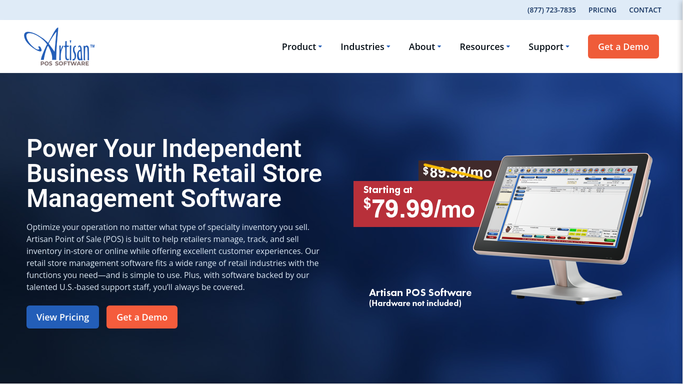
WebRun opens Artisan POS to find purchase orders past their delivery date. - Open Artisan POS and pull purchase orders past their expected delivery date
- Note the vendor, items, quantity, and days late for each
- Check which affected SKUs are now low or out of stock
Done when Every late purchase order is listed with its vendor and days late.
-
2
QuickBooks - confirm committed cost
- Look up the committed cost for each late purchase order
- Confirm nothing has already been paid in full without delivery
- Flag any order with a deposit at risk
Done when Every late order has a confirmed committed cost.
-
3
Gmail - draft a status check email to the vendor
gmail.com How to Automate Gmail
WebRun opens Gmail to draft a status check email to the vendor. - Draft a polite status-check email to each vendor asking for an updated ETA
- Reference the purchase order number and original delivery date
- Save each as a draft, do not send it
Done when A reviewable draft status check exists in Gmail for every late vendor order.
-
4
Slack - alert what's backordered
slack.com How to Automate Slack
WebRun opens Slack to alert what's backordered. - Post the backorder list with vendor, items, and days late
- Flag any SKU that's now out of stock because of the delay
- Note which vendor drafts are ready to send
Done when Purchasing has today's backorder alert in Slack.


How do I track vendor backorders before they affect my stock?
WebRun catches late vendor orders before they cost you a sale. Every morning it checks Artisan POS for purchase orders past their delivery date, confirms the committed cost in QuickBooks, drafts a status-check email to each vendor in Gmail, and posts a Slack alert showing what's backordered and which stock is now at risk.
- Late vendor orders get flagged before they cause a stockout
- Vendor status checks are drafted, not forgotten in an inbox
- Purchasing sees exactly which sales are at risk each morning
Built for party supply retailers · purchasing managers · multi location party stores
How is each run configured?
Secure by default
Connect once, stays signed in
WebRun signs in once and keeps each session in a persistent environment, so every run picks up right where it left off.
Every action is checked against this policy before it runs.
Questions, answered
Will it email the vendor without anyone checking?
No. The status-check email is saved as a Gmail draft for a staff member to review and send, WebRun never contacts a vendor on its own.
How does it decide an order is backordered?
It compares each purchase order's expected delivery date in Artisan POS to today, so anything past due gets flagged automatically.
Does it tell me which sales are at risk?
Yes. It checks whether the delayed items are now low or out of stock, so you know which backorders actually threaten a sale.
Related templates
Put this on autopilot.
Turn it on in minutes - or have our team set it up for you.