Hand off failed Ozow payments to your team
Every morning, WebRun opens the Ozow merchant dashboard, lists failed or disputed payments with their amount and reason, logs each one to Airtable and assigns it to the next support teammate on rotation, and updates a Notion handoff page grouped by owner.
- No credit card
- Under $0.01 per run
- Cancel anytime
How do I hand off failed or disputed Ozow payments to my support team?
WebRun checks Ozow every morning for failed or disputed payments, logs each one to Airtable with the amount and reason, and assigns it to the next support teammate on rotation. It then updates a Notion handoff page grouped by owner, so every case has someone responsible for it before the support team's first standup.
- Every failed or disputed payment has an owner before standup
- Workload stays balanced through automatic rotation
- Support opens Notion to a ready handoff list, not a raw export
Built for South African ecommerce merchants · customer support teams · payment operations
What does WebRun do on every run?
The exact actions WebRun takes, in order - in plain language, so you can adjust anything.
-
WebRun signs in and gets to work
Opens
ozow.comin a real browser with your saved login - no setup, no API keys. -
1
Ozow - check today's failed or disputed payments
ozow.com
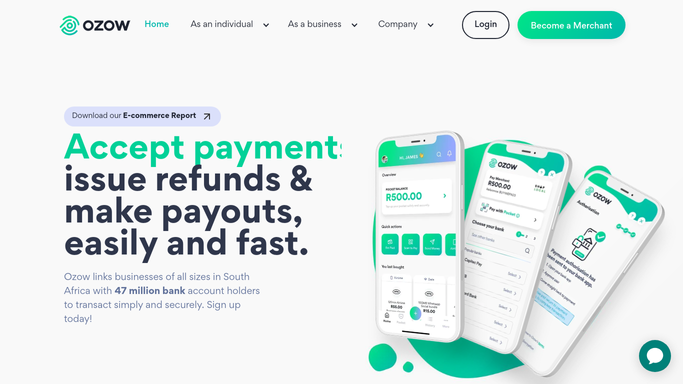
WebRun opens Ozow to check today's failed or disputed payments. - Open the Ozow merchant dashboard and list today's failed or disputed payments
- Record the amount, customer reference, and reason for each
- Separate disputes from simple failures
Done when Every failed or disputed payment today is captured with its reason.
-
2
Airtable - log each case with an owner
airtable.com How to Automate Airtable

WebRun logs each case with an assigned owner in Airtable. - Add a row for each case to the Payment Issues base
- Assign each case to the support teammate on rotation
Done when Every case has a row in Airtable with an assigned owner.
-
3
Notion - hand off the case list to support
notion.so How to Automate Notion

WebRun hands off the case list to support in Notion. - Update the support handoff page with today's assigned cases
- Group cases by the teammate responsible
Done when Support has today's handoff list in Notion, grouped by owner.
How is each run configured?
Secure by default
Connect once, stays signed in
WebRun signs in once and keeps each session in a persistent environment, so every run picks up right where it left off.
Every action is checked against this policy before it runs.
Questions, answered
How are cases assigned to a teammate?
By the rotation you set up in Airtable. Each new case takes the next teammate in the rotation, so the workload stays even without anyone assigning it by hand.
Will WebRun resolve a dispute or refund the customer?
No. WebRun only finds and reports on failed or disputed payments. It never resolves a dispute, issues a refund, or moves money. Resolving the case stays the assigned teammate's job.
What if a case needs to be reassigned?
Update the owner in Airtable and the next day's Notion handoff page will reflect it. WebRun always pulls the current assignment, not a cached one.
Related templates
Put this on autopilot.
Turn it on in minutes - or have our team set it up for you.