Remind yourself before every OnPay payroll run
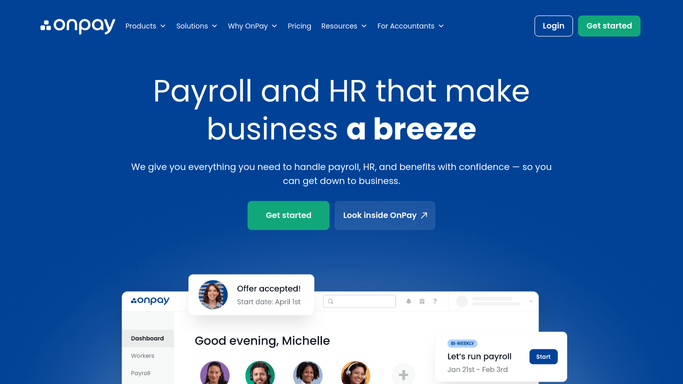
Every Monday, WebRun opens OnPay, checks the upcoming payroll run cutoff and each employee's hours and wages, exports the summary to Google Sheets, and emails you a reminder to review and approve the run before it processes.
- No credit card
- Under $0.01 per run
- Cancel anytime
What does WebRun do on every run?
The exact actions WebRun takes, in order - in plain language, so you can adjust anything.
-
WebRun signs in and gets to work
Opens
onpay.comin a real browser with your saved login - no setup, no API keys. -
1
OnPay - check the payroll run cutoff
onpay.com

WebRun opens OnPay to check the payroll run cutoff. - Open OnPay and check the next payroll run cutoff
- Read each employee's hours and gross wages for the period
- Flag any employee with missing hours or an unusual change
Done when The upcoming cutoff and every employee's hours are captured.
-
2
Google Sheets - export the wage summary
google.com How to Automate Google Sheets
WebRun opens Google Sheets to export the wage summary. - Export the wage summary to the payroll review sheet
- List each employee with hours, gross wages, and any flag
- Total the run so the amount is visible at a glance
Done when This period's wage summary is in the sheet.
-
3
Gmail - email the review reminder
gmail.com How to Automate Gmail
WebRun opens Gmail to email the review reminder. - Draft a reminder email with the cutoff date and a link to the sheet
- Note any flagged employee that needs a second look
- Send it to you well before the cutoff. WebRun never submits the run itself
Done when You have the reminder and review sheet before the cutoff.


How do I get reminded to review OnPay payroll before it runs?
WebRun checks OnPay every Monday for the upcoming payroll run cutoff, exports each employee's hours and gross wages to a Google Sheet, and emails you a reminder with anything flagged for a second look. It never submits the run itself, so you always review and approve the final numbers in OnPay before payday.
- Payroll gets reviewed before every cutoff, not after
- Hours and wage flags surface before you approve the run
- A dated wage summary builds up in Google Sheets
Built for Small business owners · office managers · bookkeepers · payroll administrators
How is each run configured?
Secure by default
Connect once, stays signed in
WebRun signs in once and keeps each session in a persistent environment, so every run picks up right where it left off.
Every action is checked against this policy before it runs.
Questions, answered
Does WebRun submit the payroll run?
No. WebRun only prepares the wage summary and reminds you before the cutoff. Approving and submitting the run always happens in OnPay, by a human.
What counts as a flagged employee?
Missing hours for the period, or a gross wage change large enough that it's worth a second look before you approve the run.
Does it change anyone's pay?
No, it only reads hours and wages already entered in OnPay. It never edits pay rates or hours.
Related templates
Put this on autopilot.
Turn it on in minutes - or have our team set it up for you.