Get a weekly scorecard of ONLYOFFICE document collaboration
Every Monday, WebRun opens ONLYOFFICE, counts documents edited and comments left open across your workspace, posts the scorecard to Microsoft Teams, and creates a Trello card for any comment thread still unresolved.
- No credit card
- Under $0.01 per run
- Cancel anytime
What does WebRun do on every run?
The exact actions WebRun takes, in order - in plain language, so you can adjust anything.
-
WebRun signs in and gets to work
Opens
personal.onlyoffice.comin a real browser with your saved login - no setup, no API keys. -
1
ONLYOFFICE - count edits and open comments
onlyoffice.com

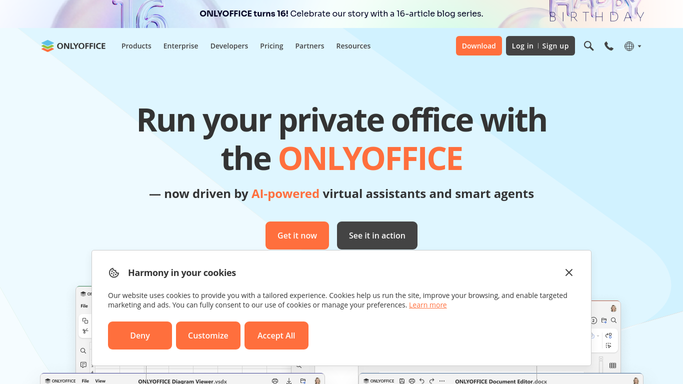
WebRun opens ONLYOFFICE to count edits and open comments. - Open the workspace and count documents edited this week
- Count comment threads still marked open
- Note which document has the most unresolved comments
Done when This week's edit and comment counts are captured.
-
2
Microsoft Teams - post the scorecard
microsoft.com How to Automate Microsoft Teams
WebRun opens Microsoft Teams to post the scorecard. - Post the scorecard to the team channel
- Compare this week's counts against last week's
- Highlight the document with the most open comments
Done when The team has this week's scorecard in Teams.
-
3
Trello - track unresolved comments
trello.com How to Automate Trello
WebRun opens Trello to track unresolved comments. - Create a card for each comment thread still open after a week
- Include a link back to the document
- Move resolved threads to the done list
Done when Every unresolved comment thread has a Trello card.


How do I track weekly document collaboration activity in ONLYOFFICE?
WebRun checks your ONLYOFFICE workspace every Monday, counting documents edited and comment threads still open since the previous week. It posts the scorecard to Microsoft Teams and creates a Trello card for any thread unresolved after a week, so stalled document conversations get tracked instead of scrolling past unnoticed.
- A weekly read on document activity without opening ONLYOFFICE
- Unresolved comment threads tracked instead of scrolled past
- Resolved threads clear off the Trello board automatically
Built for operations teams · enterprise teams · IT admins · project managers
How is each run configured?
Secure by default
Connect once, stays signed in
WebRun signs in once and keeps each session in a persistent environment, so every run picks up right where it left off.
Every action is checked against this policy before it runs.
Questions, answered
Will it resolve comments or edit documents itself?
No. WebRun only reads edit and comment counts. Resolving a comment or editing a document is left to your team.
What counts as an open comment thread?
Any comment in ONLYOFFICE that hasn't been marked resolved, so the scorecard reflects what still needs a reply.
Does the Trello card duplicate every week?
No. It checks for an existing card before creating a new one, so a thread that stays open just keeps its original card.
Related templates
Put this on autopilot.
Turn it on in minutes - or have our team set it up for you.