Learn which push notifications actually worked
Every Monday, WebRun opens OneSignal, reads last week's messages with their audience, delivery, and click numbers, ranks them best to worst against your own recent average, files the results on a Trello card in your marketing board, and sends the highlights to the team on WhatsApp.
- No credit card
- Under $0.01 per run
- Cancel anytime
How do I review which push notifications performed best?
WebRun opens OneSignal every Monday and reads last week's messages with their audience size, delivery, and click numbers. It ranks them against your own trailing average, files the full results on a Trello card in your marketing board, and sends the best and worst performers to the team on WhatsApp.
- Every send is reviewed the Monday after it goes out
- Winners and losers are ranked against your own trailing average
- Trello keeps a week-by-week record the team can look back through
Built for mobile marketers · growth teams · app product managers · ecommerce marketing teams
What does WebRun do on every run?
The exact actions WebRun takes, in order - in plain language, so you can adjust anything.
-
WebRun signs in and gets to work
Opens
app.onesignal.comin a real browser with your saved login - no setup, no API keys. -
1
OneSignal - read last week's message results
onesignal.com
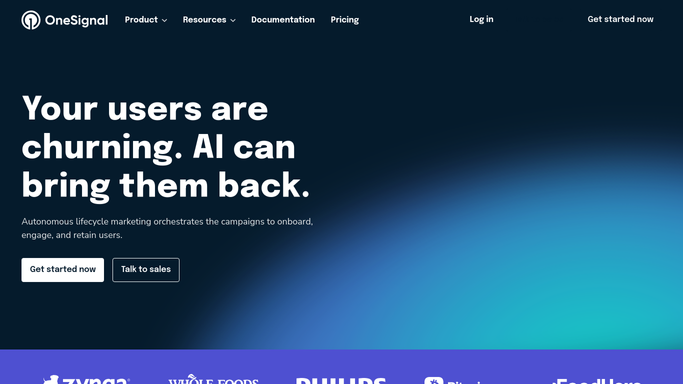
WebRun opens OneSignal to read last week's message results. - Open OneSignal and go to the Messages view
- List every message sent in the last seven days across your apps
- Read the audience size, delivered count, and click count for each
- Compare each message with your own trailing average rather than an outside benchmark
Done when Every message sent last week has its delivery and click numbers captured.
-
2
Trello - file the results on a card
trello.com How to Automate Trello

WebRun opens Trello to file the results on a card. - Open your marketing Trello board and create this week's results card
- List every message with its audience, delivery, and click rate, best performer first
- Note the segment and the send time for each so patterns are visible later
- Attach the card to the campaign list so past weeks sit side by side
Done when This week's results card is filed on the marketing board.
-
3
WhatsApp - send the team the highlights
whatsapp.com How to Automate WhatsApp

WebRun opens WhatsApp to send the team the highlights. - Send the highlights to your marketing WhatsApp group
- Lead with the best and worst performing message of the week
- Show total sends and the click rate against the trailing average
- Link the Trello card for the full detail
Done when The marketing group has last week's push highlights.
How is each run configured?
Secure by default
Connect once, stays signed in
WebRun signs in once and keeps each session in a persistent environment, so every run picks up right where it left off.
Every action is checked against this policy before it runs.
Questions, answered
Will it send a push notification?
No. WebRun only reads results from messages your team already sent. It never creates, schedules, or sends a push notification, and it never edits a segment or an audience.
What does it compare the numbers against?
Your own trailing average across recent weeks, not an invented industry benchmark. That way a good week is measured against how you normally perform.
Can it cover more than one app?
Yes. WebRun walks each OneSignal app you list and reports them separately on the Trello card, with the combined totals in the WhatsApp highlights.
Related templates
Put this on autopilot.
Turn it on in minutes - or have our team set it up for you.