Get a weekly scorecard of your OFX transfers and rates
Every Monday, WebRun opens OFX, reads every transfer completed in the past week and the rate each one achieved, posts a scorecard to Microsoft Teams comparing the average rate against the prior week, and adds a Google Calendar reminder to watch rates when a large transfer is still planned.
- No credit card
- Under $0.01 per run
- Cancel anytime
How do I track my weekly OFX transfers and exchange rates?
WebRun checks OFX every Monday for every transfer completed the past week and the rate each one achieved, and posts a scorecard to Microsoft Teams comparing the average rate against the prior week. It adds a Google Calendar reminder to watch rates when a large transfer is still planned, so timing decisions stay informed.
- You see the average rate achieved every week without digging
- A rate watch reminder appears only when it is actually useful
- Transfers still in progress never get counted as done
Built for businesses making international transfers · finance teams · OFX customers · import export businesses
What does WebRun do on every run?
The exact actions WebRun takes, in order - in plain language, so you can adjust anything.
-
WebRun signs in and gets to work
Opens
www.ofx.comin a real browser with your saved login - no setup, no API keys. -
1
OFX - check the week's transfers and rates
ofx.com
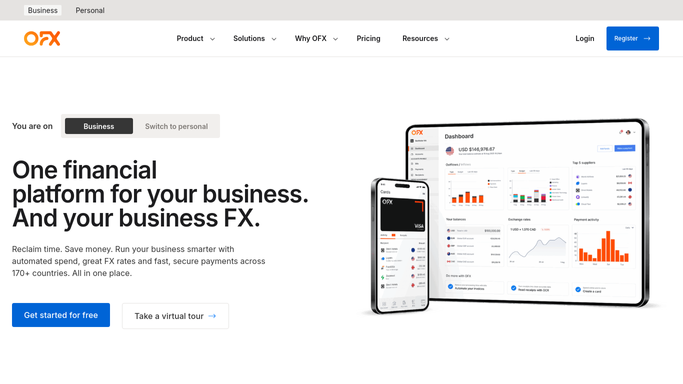
WebRun opens OFX to check the week's transfers and rates. - Open OFX and go to the transfer history
- Read every transfer completed in the past week and the rate achieved
- Note any transfer still in progress
Done when This week's completed transfers and rates are captured.
-
2
Google Calendar - add a rate watch reminder
calendar.google.com How to Automate Google Calendar

WebRun opens Google Calendar to add a rate watch reminder. - Add a reminder to check rates again if a large transfer is still planned
- Set it for a useful day this week
- Skip adding an event when nothing is pending
Done when A rate watch reminder exists for any transfer still planned.
-
3
Microsoft Teams - post the weekly scorecard
microsoft.com How to Automate Microsoft Teams

WebRun opens Microsoft Teams to post the weekly scorecard. - Post this week's scorecard of transfers completed and rates achieved
- Compare the average rate against the prior week
- Flag any transfer still in progress
Done when The week's scorecard has been posted to Teams.
How is each run configured?
Secure by default
Connect once, stays signed in
WebRun signs in once and keeps each session in a persistent environment, so every run picks up right where it left off.
Every action is checked against this policy before it runs.
Questions, answered
Will WebRun initiate a transfer or lock in a rate for me?
No. WebRun only reads completed transfers and reports on the rates achieved. Initiating a transfer or locking in a rate stays a decision you make directly in OFX.
How does it calculate the average rate?
By averaging the rate achieved across every transfer completed in the past week, so the scorecard reflects what actually happened rather than a quoted rate.
What about transfers still in progress?
They get flagged separately in the scorecard rather than counted as completed, so the average rate is not skewed by unfinished transfers.
Related templates
Put this on autopilot.
Turn it on in minutes - or have our team set it up for you.