Turn Officevibe pulse results into a weekly scorecard
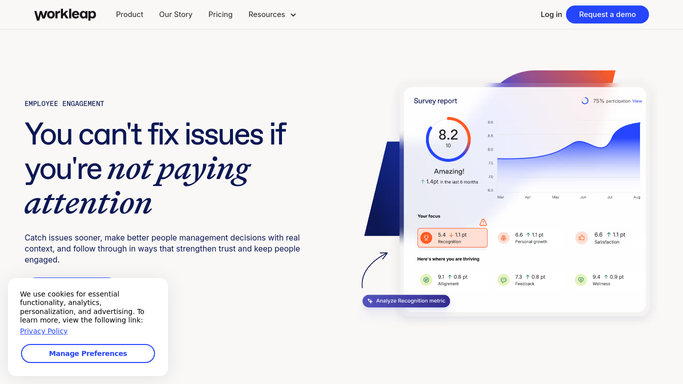
Every Monday, WebRun opens Officevibe, reads last week's pulse survey results and engagement scores by team, logs them to Airtable alongside prior weeks, and emails each manager a scorecard showing their team's trend and any metric that dropped.
- No credit card
- Under $0.01 per run
- Cancel anytime
What does WebRun do on every run?
The exact actions WebRun takes, in order - in plain language, so you can adjust anything.
-
WebRun signs in and gets to work
Opens
officevibe.comin a real browser with your saved login - no setup, no API keys. -
1
Officevibe - read pulse survey results
officevibe.com

WebRun opens Officevibe to read pulse survey results. - Open Officevibe and pull last week's pulse results
- Read the engagement score and category breakdown per team
- Note any category that dropped from the prior week
Done when Every team's weekly scores are captured.
-
2
Airtable - log the weekly scores
airtable.com How to Automate Airtable
WebRun opens Airtable to log the weekly scores. - Add a row per team for the week
- Record the overall score and each category
- Keep prior weeks so a trend line builds up
Done when This week's scores are logged alongside the trend.
-
3
Gmail - email the manager scorecard
gmail.com How to Automate Gmail
WebRun opens Gmail to email the manager scorecard. - Draft a scorecard email for each manager with their team's scores
- Highlight anything that dropped versus last week
- Send it directly to the manager
Done when Every manager has their team's scorecard in their inbox.


How do I get a weekly scorecard from Officevibe pulse survey results?
WebRun reads Officevibe's weekly pulse survey results by team, logs the engagement scores to Airtable so a trend builds up over time, and emails each manager a scorecard highlighting any category that dropped from the week before. It only uses the aggregated, anonymous scores Officevibe already publishes, so team privacy stays intact.
- Managers get their team's engagement trend every Monday
- Dropping categories get flagged before they compound
- A full engagement history builds up in Airtable
Built for People teams · engagement managers · team leads · HR business partners
How is each run configured?
Secure by default
Connect once, stays signed in
WebRun signs in once and keeps each session in a persistent environment, so every run picks up right where it left off.
Every action is checked against this policy before it runs.
Questions, answered
Can it see individual employee responses?
No. WebRun only reads the aggregated, anonymous scores Officevibe already reports by team. It never surfaces individual responses.
Does it send survey invites to employees?
No, WebRun only reads results after Officevibe's own survey cycle runs. It doesn't send or manage the survey itself.
What if a team's response rate is too low to report?
It only logs and reports scores Officevibe has already published for that team, so anonymity thresholds are respected automatically.
Related templates
Put this on autopilot.
Turn it on in minutes - or have our team set it up for you.