Get reminded before your N26 card expires
Every morning, WebRun opens N26, checks the card's expiry date and any scheduled payment renewals coming due, adds a reminder to Google Calendar before the date arrives, and posts a heads up to Microsoft Teams for the team sharing the account.
- No credit card
- Under $0.01 per run
- Cancel anytime
How do I get reminded before my N26 card expires?
WebRun checks N26 every morning for the card's expiry date and any scheduled payments tied to it, adds a reminder to Google Calendar 14 days out, and posts a heads up to Microsoft Teams. It never reorders a card or moves money itself, so nothing lapses because a renewal reminder got missed.
- Card expiry gets a reminder 14 days out, not the day it lapses
- Payments tied to the card are flagged before they can fail
- The team sharing the account sees the same heads up in Teams
Built for freelancers · small business owners · teams sharing a card · finance managers
What does WebRun do on every run?
The exact actions WebRun takes, in order - in plain language, so you can adjust anything.
-
WebRun signs in and gets to work
Opens
app.n26.comin a real browser with your saved login - no setup, no API keys. -
1
N26 - check card expiry and renewals
n26.com
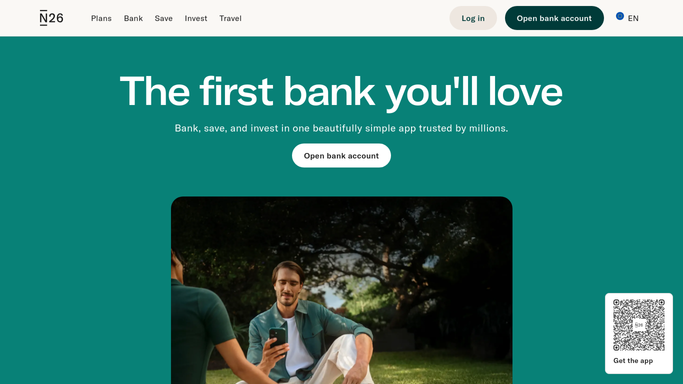
WebRun opens N26 to check card expiry and renewals. - Open N26 and check the card's expiry date
- Check any scheduled payment authorizations tied to the card
- Note how many days remain until expiry
Done when The card's expiry date and tied payments are captured.
-
2
Google Calendar - add the expiry reminder
calendar.google.com How to Automate Google Calendar

WebRun opens Google Calendar to add the expiry reminder. - Add a reminder 14 days before the card expires
- Note any scheduled payment that could be affected
- Skip adding a duplicate if one already exists
Done when A reminder exists ahead of the expiry date.
-
3
Microsoft Teams - post the heads up
microsoft.com How to Automate Microsoft Teams

WebRun opens Microsoft Teams to post the heads up. - Post a heads up once the expiry falls within 14 days
- List any payment that might be affected
- Leave the renewal steps to the team
Done when The team has a heads up before the card expires.
How is each run configured?
Secure by default
Connect once, stays signed in
WebRun signs in once and keeps each session in a persistent environment, so every run picks up right where it left off.
Every action is checked against this policy before it runs.
Questions, answered
Will it order the replacement card or move money itself?
No. WebRun never sends a payment, issues a refund, or transfers funds on its own. It only tracks the expiry date and reminds you, leaving any card reorder or transfer to you.
How early does it warn you?
It adds a reminder 14 days before the card expires, giving enough time to update any payment tied to that card before it lapses.
Does it check for payments that might be affected?
Yes. It notes any scheduled payment authorization tied to the expiring card, so you know what to update, not just that the card itself is expiring.
Related templates
Put this on autopilot.
Turn it on in minutes - or have our team set it up for you.