Know when a new MySQL release lands
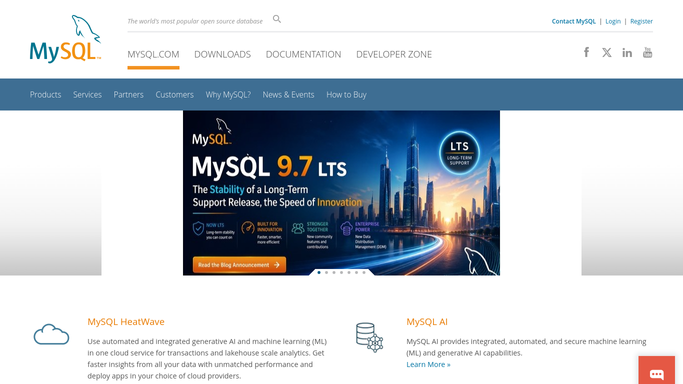
Every Monday, WebRun opens the MySQL site, checks the announcements and release notes for versions newer than the one you run, records the version, date, and headline changes in Notion, and opens a Trello card for the upgrade so it reaches your sprint.
- 7-day free trial
- Under $0.01 per run
- Cancel anytime

What does WebRun do on every run?
The exact actions WebRun takes, in order - in plain language, so you can adjust anything.
-
WebRun signs in and gets to work
Opens
mysql.comin a real browser with your saved login - no setup, no API keys. -
1
MySQL - check for new releases
mysql.com

WebRun opens MySQL to check for new releases. - Open the MySQL site and go to the announcements and release notes
- Find any release published since the last run for the series you run
- Capture the version number, release date, and the headline changes listed
- Note whether the notes mention security fixes or behaviour changes
Done when Every release newer than your current version is captured with its notes.
-
2
Notion - record what changed
notion.so How to Automate Notion
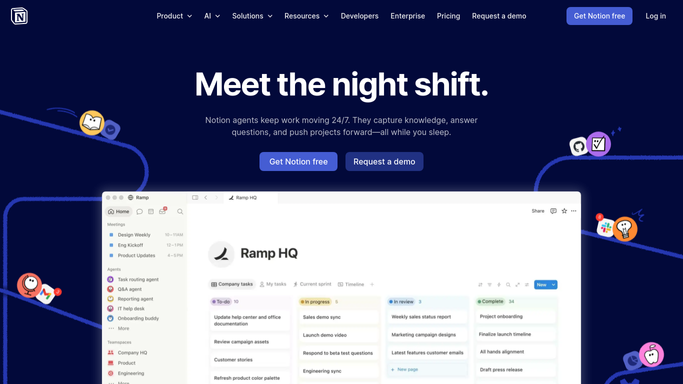
WebRun opens Notion to record what changed. - Open your database platform page in Notion
- Add an entry per release with the version, date, and headline changes
- Record the version you currently run alongside it so the gap is obvious
- Keep older entries in place so the page reads as an upgrade history
Done when The Notion page shows each new release beside the version you run today.
-
3
Trello - open the upgrade card
trello.com How to Automate Trello
WebRun opens Trello to open the upgrade card. - Open your platform board in Trello
- Create one card per new release, titled with the version number
- Put the headline changes and a link to the release notes in the description
- Skip creating a card if one already exists for that version
Done when Every new release has exactly one upgrade card on the board.

How do I keep track of new MySQL releases and upgrades?
WebRun checks the MySQL site every Monday for releases newer than the version you run and reads the announcements and release notes. It records each version, date, and headline change in Notion beside your current version, then opens one Trello upgrade card per release so the work gets scheduled.
- A new release is noticed within a week rather than at audit time
- Every version gap is visible on one Notion page
- Upgrades enter the board as cards instead of staying a good intention
Built for database administrators · platform engineers · DevOps teams · IT managers
How is each run configured?
Secure by default
Connect once, stays signed in
WebRun signs in once and keeps each session in a persistent environment, so every run picks up right where it left off.
Every action is checked against this policy before it runs.
Questions, answered
Does it touch my database or run any upgrade?
No. WebRun only reads the public release notes on the MySQL site and writes to Notion and Trello. It never connects to a server, runs a query, or installs anything.
Will it open a card for every minor release?
Only for releases in the series you run and newer than your current version. You set the version once and it filters everything below it out.
What if a card for that version already exists?
It checks the Trello board first and skips any version that already has a card, so the board never fills with duplicates of the same upgrade.
Related templates
Put this on autopilot.
Turn it on in minutes - or have our team set it up for you.