Request post-show reviews from fans and promoters
Every morning, WebRun checks Prism.fm for shows that wrapped up the previous day, drafts a professional post-show review request email to the promoter in Gmail, and creates a fan review campaign draft in Mailchimp for your mailing list, leaving both for your approval before anything is sent.
- No credit card
- Under $0.01 per run
- Cancel anytime
What does WebRun do on every run?
The exact actions WebRun takes, in order - in plain language, so you can adjust anything.
-
WebRun signs in and gets to work
Opens
prism.fmin a real browser with your saved login - no setup, no API keys. -
1
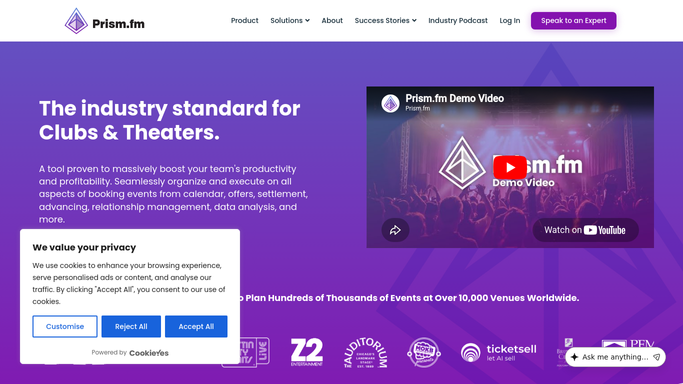
Prism.fm - find shows that ended yesterday
prism.fm How to Automate Prism.fm

WebRun opens Prism.fm to find shows that ended yesterday. - Open Prism.fm and find shows whose date was yesterday and are in a completed or settled status
- Capture the artist name, promoter name and contact, show date, and room for each
Done when Every show that ended yesterday is listed with its promoter contact details.
-
2
Gmail - draft promoter post-show review request
gmail.com How to Automate Gmail
WebRun opens Gmail to draft promoter post-show review request. - Draft a warm, professional post-show thank-you and review request email to each promoter
- Reference the specific show and artist in the message
- Leave each draft unsent for your review
Done when A Gmail draft review request is ready for each promoter, all awaiting your approval before sending.
-
3
Mailchimp - draft fan review campaign
mailchimp.com How to Automate Mailchimp
WebRun opens Mailchimp to draft fan review campaign. - Create a fan review campaign draft in Mailchimp for your venue mailing list
- Reference the artist and show in the subject line and body
- Leave the campaign in draft status for your review before scheduling or sending
Done when A Mailchimp campaign draft is ready for the fan review request, awaiting your approval.


How do I automatically send post-show review requests to promoters and fans after each concert?
Every morning WebRun checks Prism.fm for shows that ended the previous day, drafts a post-show review request email to each promoter in Gmail, and creates a fan review campaign draft in Mailchimp for your mailing list. Both drafts wait for your approval before anyone receives a review request.
- Every completed show gets a review request drafted the next morning automatically
- No promoter or fan is contacted without your explicit sign-off
- Venue reputation building happens consistently without manual follow-up
Built for music venue managers · concert promoters · live event marketing teams · venue operations staff
How is each run configured?
Secure by default
Connect once, stays signed in
WebRun signs in once and keeps each session in a persistent environment, so every run picks up right where it left off.
Every action is checked against this policy before it runs.
Questions, answered
Will it send review requests to promoters or fans without my approval?
No. Both the Gmail promoter email and the Mailchimp fan campaign are left in draft for your review. Nothing is sent or scheduled until you approve.
Can it link to a specific review page like Google or Facebook?
Yes. You configure the review link in the template and WebRun inserts it into every draft automatically.
What if no shows ended yesterday?
It skips the run silently if Prism.fm shows no completed events from the previous day, so you never receive a blank digest.
Related templates
Put this on autopilot.
Turn it on in minutes - or have our team set it up for you.