Track new Modern Treasury counterparty and ledger setup
When you set up a new Modern Treasury counterparty or ledger, WebRun checks verification, bank detail, and account status, saves a current setup export to Google Drive, and texts you a confirmation on Twilio the moment every step is complete.
- No credit card
- Under $0.01 per run
- Cancel anytime
How do I track setup status for a new Modern Treasury counterparty?
WebRun checks a new Modern Treasury counterparty or ledger's setup, reading verification, bank detail, and account status, and lists anything still outstanding. It saves the current setup export to Google Drive and texts you a confirmation once every step is complete, so you know the moment it is ready without checking manually.
- Every setup step is checked without manual follow up
- A setup export stays current in Drive
- You know the moment a counterparty or ledger goes live
Built for payment operations teams · fintech engineering teams · finance operations · Modern Treasury users
What does WebRun do on every run?
The exact actions WebRun takes, in order - in plain language, so you can adjust anything.
-
WebRun signs in and gets to work
Opens
www.moderntreasury.comin a real browser with your saved login - no setup, no API keys. -
1
Modern Treasury - check counterparty and ledger setup status
moderntreasury.com
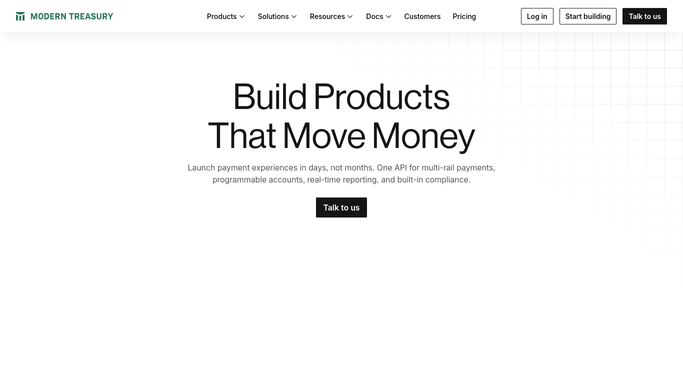
WebRun opens Modern Treasury to check counterparty and ledger setup status. - Open Modern Treasury and go to the new counterparty or ledger
- Check verification, bank detail, and ledger account status
- Note any step still outstanding
Done when Every setup step is checked and its status recorded.
-
2
Google Drive - save the setup export
drive.google.com How to Automate Google Drive

WebRun opens Google Drive to save the setup export. - Save an export of the setup details to Drive
- Include the counterparty details and ledger account identifiers
- Replace the export whenever the setup status changes
Done when The current setup export is saved to Drive.
-
3
Twilio - text a setup confirmation
twilio.com How to Automate Twilio

WebRun opens Twilio to text a setup confirmation. - Text a confirmation once every setup step is complete
- Include which counterparty or ledger just went live
- Stay quiet while steps are still outstanding
Done when A confirmation text goes out only once setup is fully complete.
How is each run configured?
Secure by default
Connect once, stays signed in
WebRun signs in once and keeps each session in a persistent environment, so every run picks up right where it left off.
Every action is checked against this policy before it runs.
Questions, answered
Will WebRun move funds or initiate a payment during setup?
No. WebRun only checks setup status and reports it. Initiating any payment or transfer stays a decision you make directly in Modern Treasury.
What if a bank detail is still pending verification?
It stays listed as outstanding rather than skipped, so you know exactly what is holding up the setup.
Can I run this for more than one counterparty at a time?
Yes. Run it again for each new counterparty or ledger you are setting up, and each gets its own saved export.
Related templates
Put this on autopilot.
Turn it on in minutes - or have our team set it up for you.