Chase unanswered Messenger inquiries for you
Every hour, WebRun opens your Facebook Messenger inbox, finds customer conversations that have gone unanswered past your reply-time target, drafts a suggested reply for each one, books a Google Calendar callback slot for anything that needs a phone call, and sends the shift lead a WhatsApp heads-up on what's waiting.
- No credit card
- Under $0.01 per run
- Cancel anytime
What does WebRun do on every run?
The exact actions WebRun takes, in order - in plain language, so you can adjust anything.
-
WebRun signs in and gets to work
Opens
www.facebook.com/messagesin a real browser with your saved login - no setup, no API keys. -
1
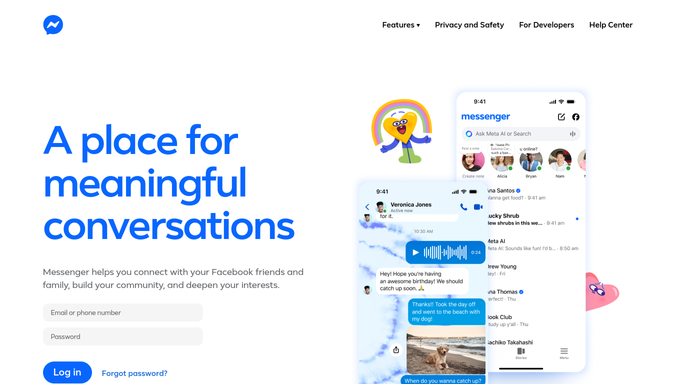
Facebook Messenger - find unanswered conversations
messenger.com

WebRun opens Facebook Messenger to find unanswered conversations. - Open the Page inbox and sort by oldest unanswered
- Filter to conversations past your reply-time target
- Draft a suggested reply for each and leave it unsent for a teammate to review
Done when Every conversation past the target has a drafted reply waiting.
-
2
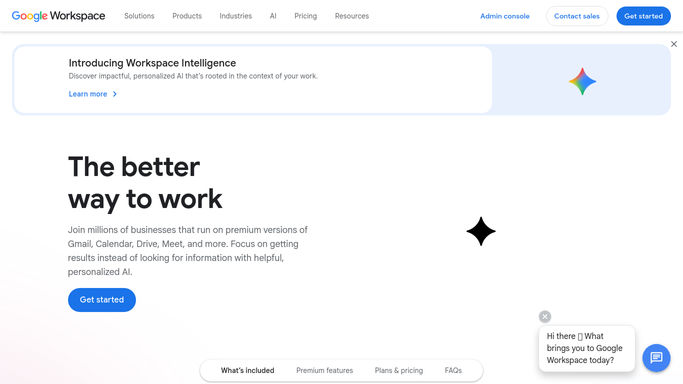
Google Calendar - book a callback slot
calendar.google.com How to Automate Google Calendar
WebRun opens Google Calendar to book a callback slot. - For conversations that need a phone call, open Google Calendar
- Book a callback slot with the customer's name and question
- Skip any that were answered before this run
Done when Every conversation needing a call has a booked callback slot.
-
3
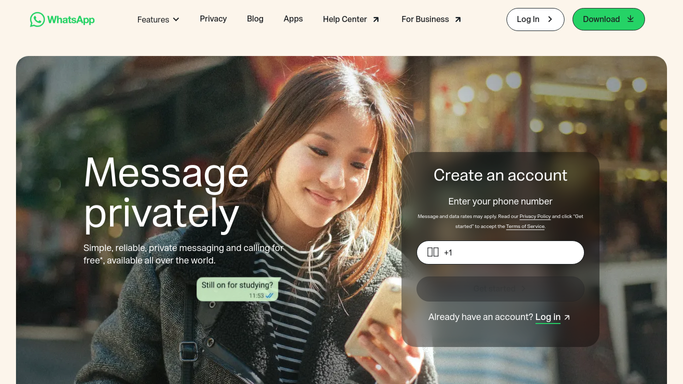
WhatsApp - alert the shift lead
whatsapp.com How to Automate WhatsApp
WebRun opens WhatsApp to alert the shift lead. - Message the shift lead's WhatsApp with the count of drafts waiting
- List the oldest unanswered conversation first
- Never message the customer directly on WhatsApp or Messenger
Done when The shift lead has this hour's chase list on WhatsApp.
How do I make sure no Messenger inquiry goes unanswered?
WebRun checks your Facebook Messenger inbox every hour for customer conversations that have gone unanswered, drafts a reply for each one, and books a Google Calendar callback slot for anything better handled by phone. It then sends your shift lead a WhatsApp alert listing what still needs a human reply.
- Customer conversations get a drafted reply within the hour, not the day
- Calls that need a human voice get booked automatically
- Shift leads see the chase list without digging through Messenger
Built for Small business customer support · social media managers · retail and hospitality teams · solo founders
How is each run configured?
Secure by default
Connect once, stays signed in
WebRun signs in once and keeps each session in a persistent environment, so every run picks up right where it left off.
Every action is checked against this policy before it runs.
Questions, answered
Does WebRun reply to customers on its own?
No. It only drafts a suggested reply inside Messenger. A teammate reviews and sends it, so nothing goes to a customer without a human checking it first.
How does it decide a conversation needs a call instead of a reply?
It reads the question in the thread. If it looks like something better handled by phone, WebRun books a Google Calendar callback slot instead of just drafting a text reply.
Who sees the chase list?
The shift lead, over WhatsApp, with the oldest unanswered conversation listed first so nothing waits longer than it has to.
Related templates
Put this on autopilot.
Turn it on in minutes - or have our team set it up for you.